Loading video…
Sound

original sound - ats.setup
At’s Setup · Original audio
0:00–:––
Playing this video’s own audio, so you’ll hear the creator over the sound.
The video provides a clear, step-by-step tutorial for a visually appealing customization that many PC enthusiasts desire. It directly addresses a common interest within the PC building community, offering a practical solution with a satisfying visual outcome.
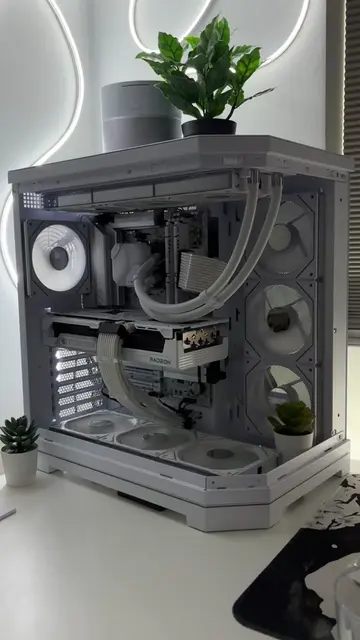
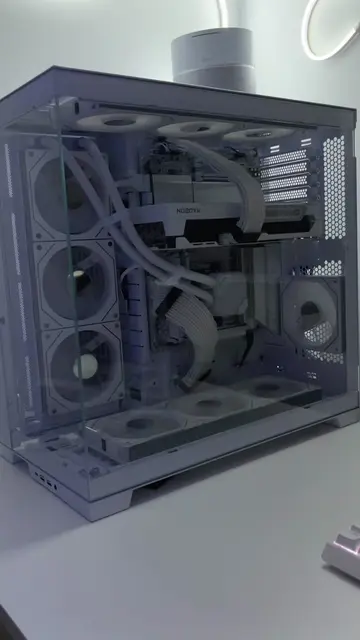
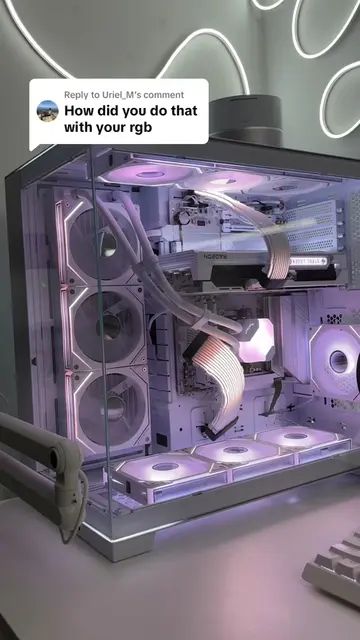
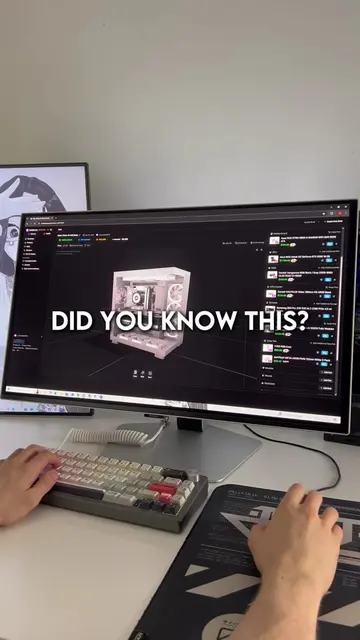
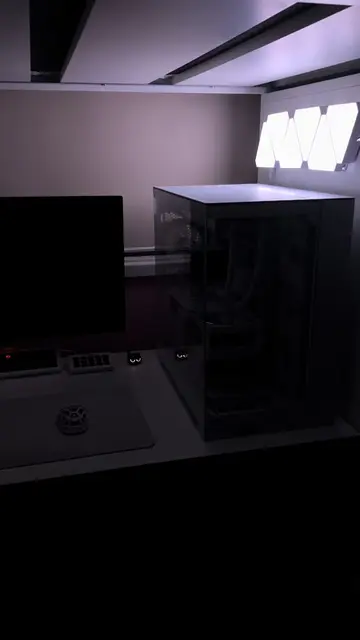
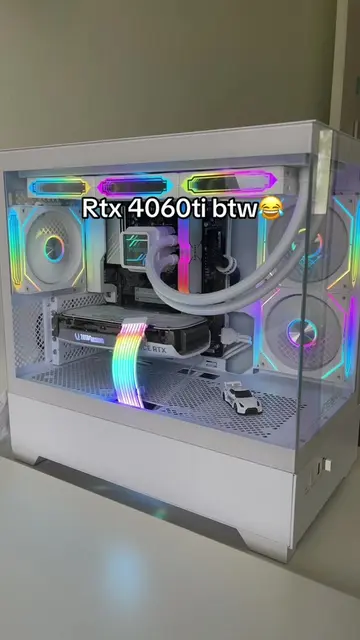
This video demonstrates how to customize the boot-up lighting effect on a custom PC using the AsiaHorse app. It guides viewers through downloading the software, navigating its settings, and applying desired effects to their PC's RGB components.
BEST startup effect when booting up your pc. #creatorsearchinsights #pcbuild #tutorial #help #pcrgb
WAIT DO YOU WANT
Introduce the desire for a custom PC startup effect
Instruct viewers to search for and download the AsiaHorse app
Guide through the app's interface for control settings
Explain how to enable specific settings and choose colors
Showcase the final boot startup effect on the PC
ASIAHORSE APP (ACTS): This is software used to control the ARGB lighting and cooling components of a custom PC. Removing it would change what happens in the video because the video demonstrates how to use it to customize PC lighting. ASIAHORSE-PC (APPEARS): This is the website where the ASIAHORSE APP is downloaded. Removing it would not change what happens in the video, as the app itself is the focus. RADEON (APPEARS): This is a graphics card visible inside the PC. Removing it would not change what happens in the video, as it is not interacted with or discussed. ATK GEAR (APPEARS): This is a brand mentioned in the creator's bio with a discount code. Removing it would not change what happens in the video, as it is not the focus of the tutorial.
Playing this video’s own audio, so you’ll hear the creator over the sound.
Promotes 1 product. Create free account to see more.
Outliers and viral hits: their videos on Overshot, all time.
PC software for customizing RGB lighting on compatible components
All time.