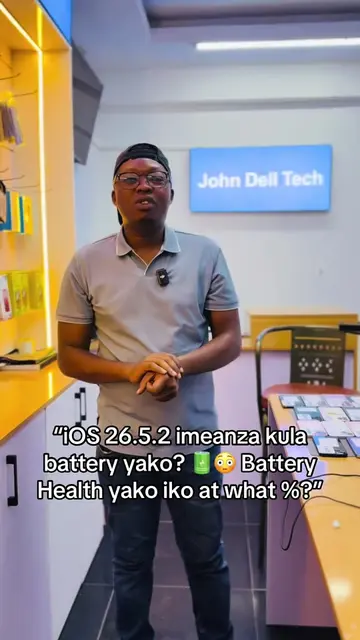
Loading video…
Sound

original sound - best_iphone_seller_kenya
John_Dell_Tech · Original audio
0:00–:––
Playing this video’s own audio, so you’ll hear the creator over the sound.
Hook
Posted Jul 12, 2026Video · 0:25by @best_iphone_seller_kenya
This video promotes it, but we haven’t matched it to a product page yet, so there are no product figures.
The video provides a useful, hidden trick for iPhone users to diagnose network issues, which is a common pain point. The clear demonstration and explanation of the RSRP value make the information actionable and valuable.
The video demonstrates a hidden Field Test Mode code on iPhones (*3001#12345#) to help users check their network signal strength. It explains how to interpret the RSRP (Reference Signal Received Power) value to determine if the network is strong, medium, or bad in a particular location.
📱 iPhone users, want to access your phone's Field Test Mode? Dial: *3001#12345#* and press the Call button. This opens Apple's Field Test Mode, where you can view detailed cellular network information such as signal measurements and other technical data (availability may vary depending on your iPhone model and iOS version). Have you tried it? 👇 #iPhone #Johndelltech #wholesale #fyp Note: The code *3001#* is a legitimate Field Test Mode code on many iPhones, but what it displays can vary by carrier and iOS version.
THINK YOU KNOW YOUR IPHONE? TRY DIALING THIS: *3001#12345#
Introduce the iPhone Field Test Mode code
Demonstrate dialing the code
Explain how to interpret network signal strength (RSRP)
Show the retail price list for iPhones
iPhone (acts - it is the device being operated to access a hidden menu) John Dell Tech (appears - it is a retail store name on a price list, removing it would not change what happens in the video)
Playing this video’s own audio, so you’ll hear the creator over the sound.
Outliers and viral hits: their videos on Overshot, all time.