Loading video…
All breakouts
3.1App DemoOther hookGames
Hook
Сделай так,
@devpix5
23.9K followers · usually 80.7K views a post
Views
245.4K
Likes
3.0K
Comments
176
Shares
102
Why it worked
The video showcases a creative and interactive demonstration of game development tools, appealing to users interested in game creation and modification within the Roblox platform.
Summary
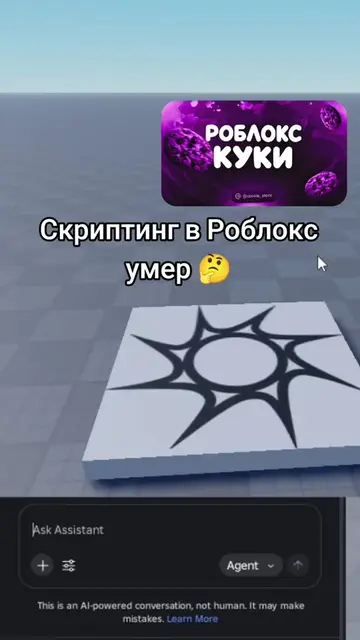
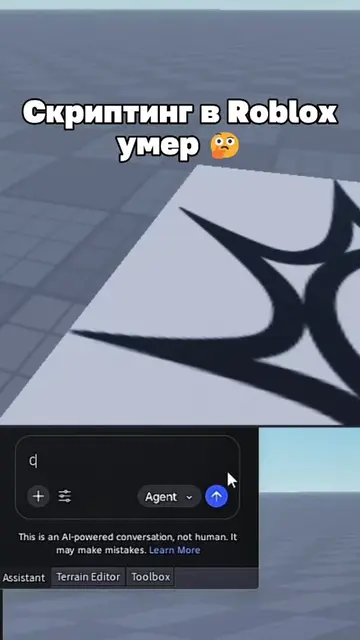
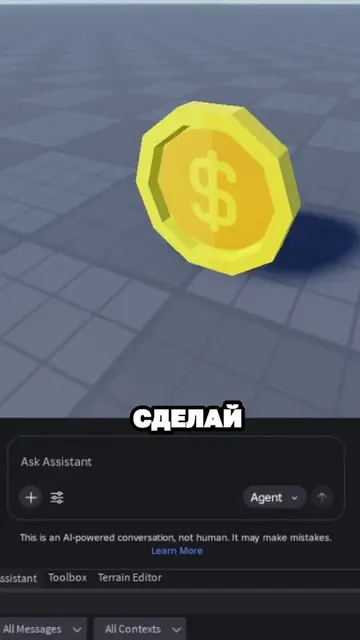
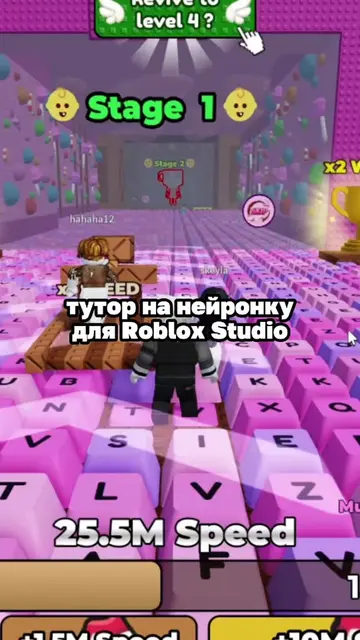
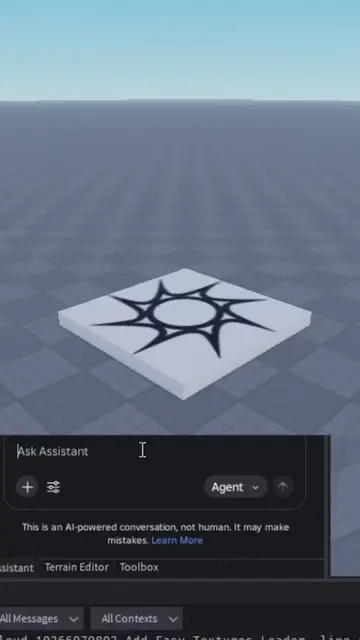
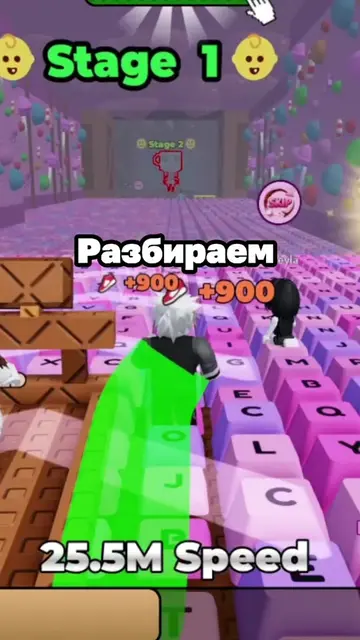
The video demonstrates the use of Roblox Studio to create and manipulate game assets, specifically "keycaps". The user instructs the AI to make a keycap levitate and spin, then to spawn random keycaps with varying rarity and a sell button. The system successfully implements these commands, showing the game mechanics in action.
Structure
- 1Instruct AI to make keycap levitate and spin
- 2Confirm AI functionality
- 3Instruct AI to spawn random keycaps with rarity and sell button
- 4Observe successful spawning and collection of keycaps
Product placement
Roblox (game platform, appears as the environment and game engine, removing it would change what happens in the video); Roblox Studio (tool for creating games on Roblox, appears in the caption, removing it would change what happens in the video)
On-screen text
роблокс
КУКИ
Сделай так,
чтобы кейкап
левитировал
медленно
работал
Сделай так, чтобы я мог забрать
УДЕРЖИВАЙ
[E]
собери шоколадный кейкап
Шоколадный кейкап
работает
Сделай рандомный
кейкапов
редкости
кнопку
кейкапов
спавнятся
Uncommon
Rare
Common
Uncommon
Common
Uncommon
Common
Rare
Common
Uncommon
Common
Original caption
Создаём помойку в Roblox Studio #roblox #robloxstudio #роблокс
More from @devpix5
More breakout videos from this creator.