Loading video…
Sound

original sound - arlethnataly1
:⋆˚࿔ ryt.ddanna 𝜗𝜚˚⋆ · Original audio
0:00–:––
- Videos using it
- 87
- Creators
- 61
- Views on those videos
- 21.6M
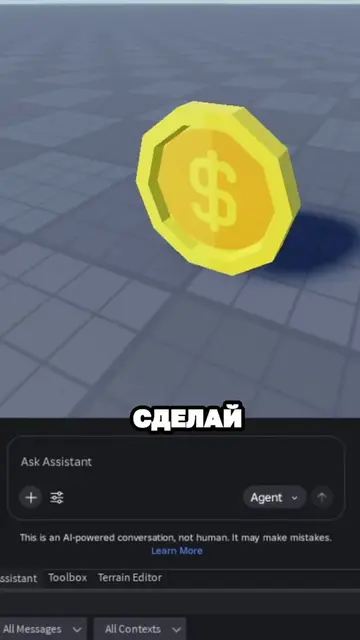
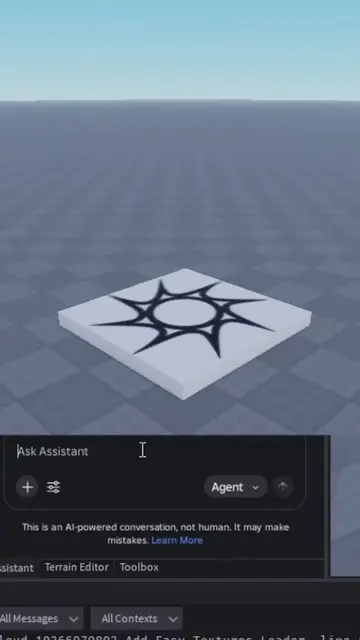
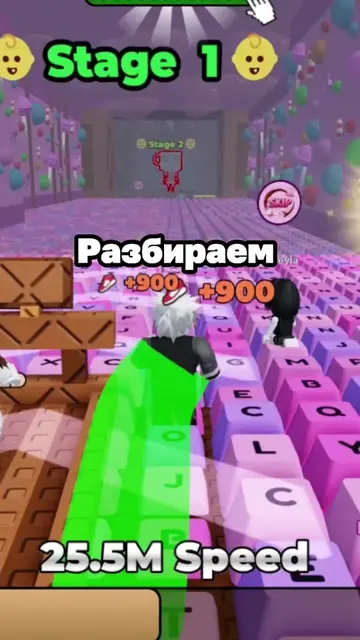
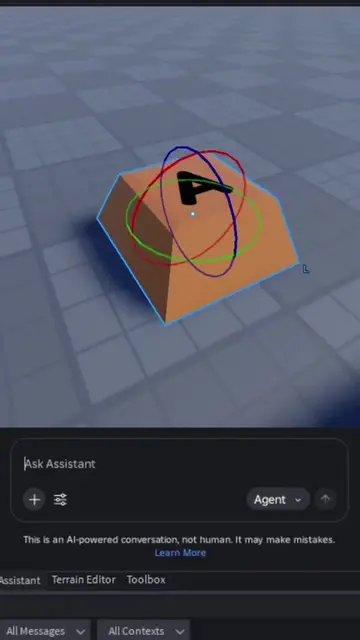
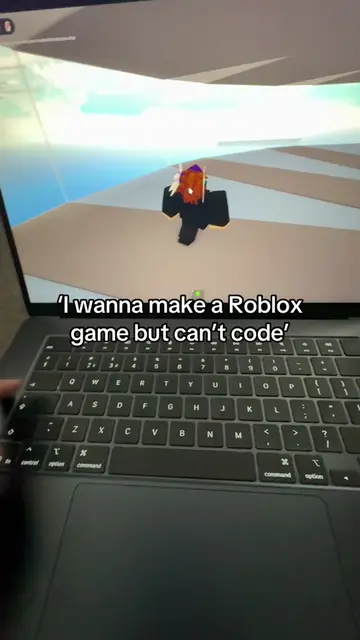
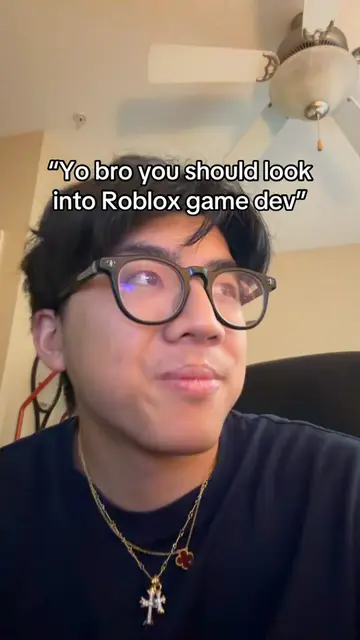
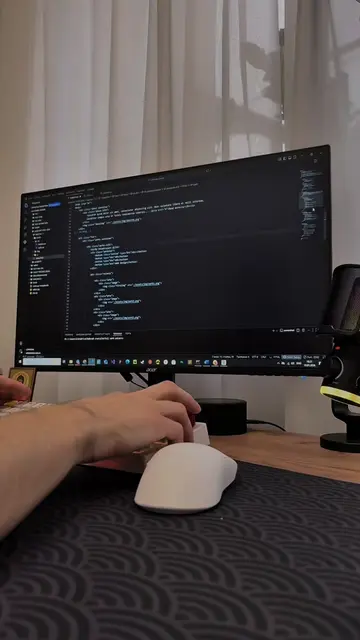
The video effectively showcases a practical application of Roblox Studio's scripting capabilities, demonstrating how to create engaging visual elements that enhance gameplay. The iterative process and clear visual results likely resonated with aspiring Roblox developers.
The video demonstrates how to create UI elements and effects in Roblox Studio, showcasing the creation of a health bar, level display, and blood splatters. The creator uses commands to iteratively build and refine these elements within the Roblox development environment.
Скриптинг в Роблокс умер... #robloxstudio #roblox #роблокс
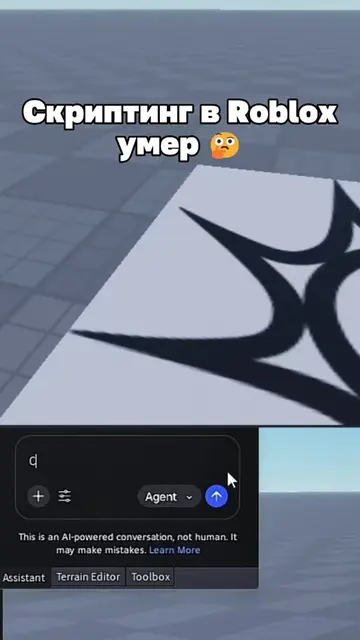
Скриптинг в Роблокс умер 😥
Introduction to scripting in Roblox
Creating a health bar and level display
Adding visual effects like blood splatters
Demonstrating the iterative creation process
Concluding with the successful implementation of effects
Roblox Studio (ACTS - the platform where the video is made, used to demonstrate scripting and UI creation. Removing it would change what happens in the video) Roblox (APPEARS - the game world where the demo takes place. Removing it would not change what happens in the video, as the focus is on the creation tool) @cookie_stack (APPEARS - a watermark/handle on the promotional graphic. Removing it would not change what happens in the video)
Promotes 1 product. Create free account to see more.
Outliers and viral hits: their videos on Overshot, all time.
Game creation software for Roblox creators
All time.