Loading video…
All breakouts
26.5Talking HeadListicle hookConsumer Apps
Hook
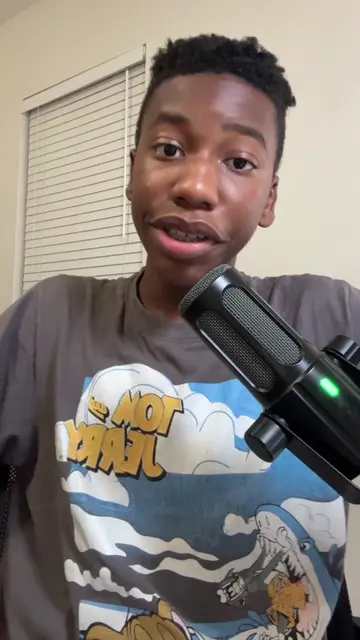
PC tips you need, part 1.
@axel.techhh
11.4K followers · usually 4.3K views a post
Views
111.7K
Likes
7.0K
Comments
92
Shares
252
Why it worked
The video provides high-value, actionable utility for a specific audience (PC users) while seamlessly integrating a personal brand promotion as a 'save this video' incentive.
Summary
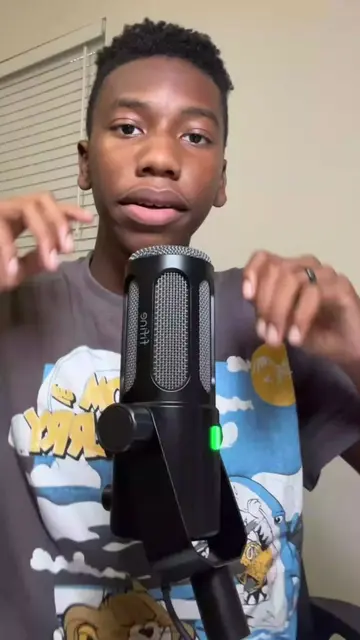
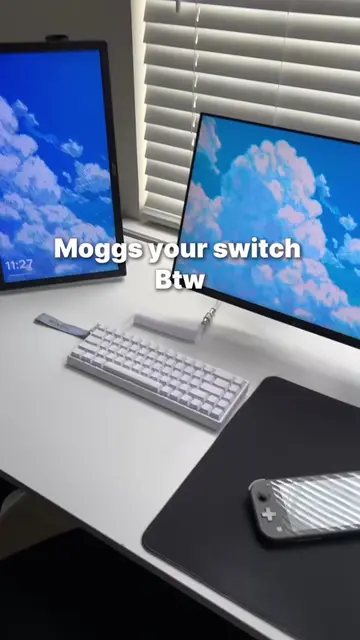
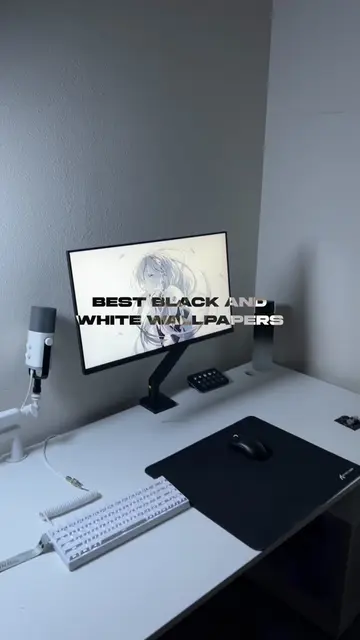
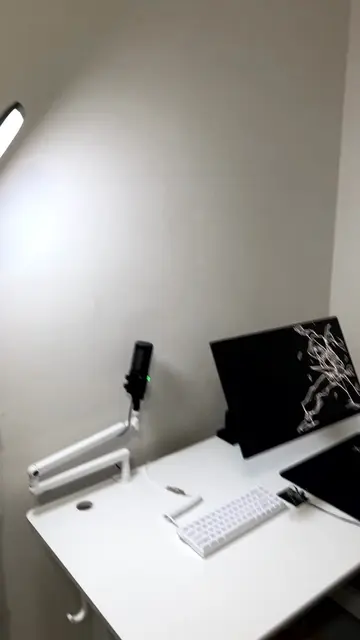
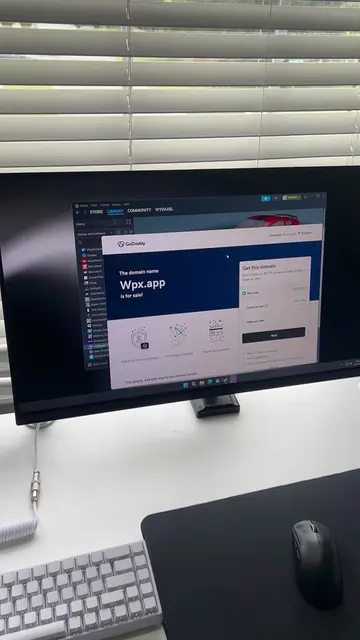
The creator provides a quick tutorial on how to clean up a Windows desktop by hiding icons and the taskbar. During the video, he briefly showcases a phone screen displaying a promotional post for his own poster brand, Elevate.
Structure
- 1Hook and problem statement
- 2Soft sell of personal product
- 3Step-by-step desktop icon tutorial
- 4Step-by-step taskbar tutorial
- 5
Original caption
Pc tips you need | Part 1 #techtok #minimalist #pcsetup #pctips #windows
More from @axel.techhh
More breakout videos from this creator.