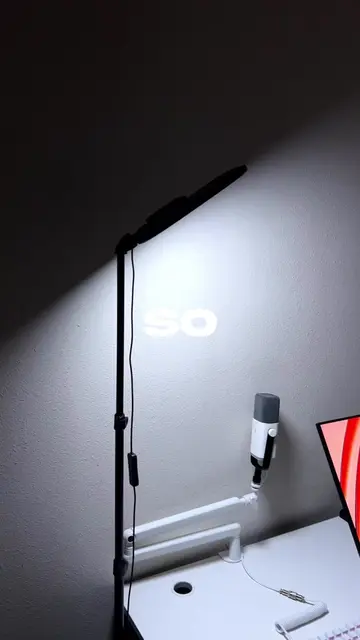
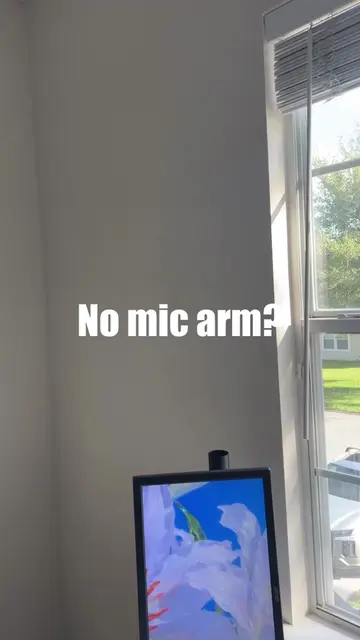
Loading video…
All breakouts
8.8Talking HeadListicle hookConsumer Apps
Hook
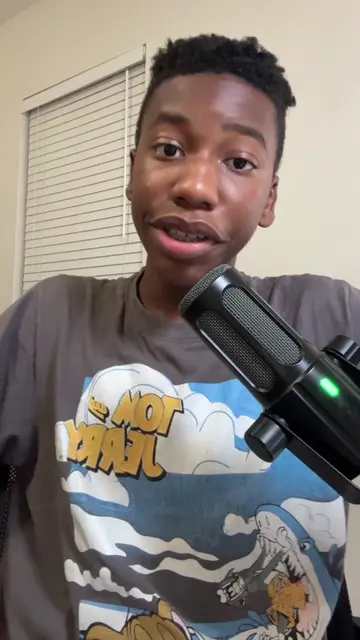
TechTok Tips You Need Part 1
@axel.techhh
11.4K followers · usually 4.3K views a post
Views
37.0K
Likes
2.6K
Comments
79
Shares
112
Why it worked
The video offers practical and actionable tips for improving video quality, which is a common pain point for content creators. The clear, step-by-step instructions and visual demonstrations make it easy to follow and implement.
Summary
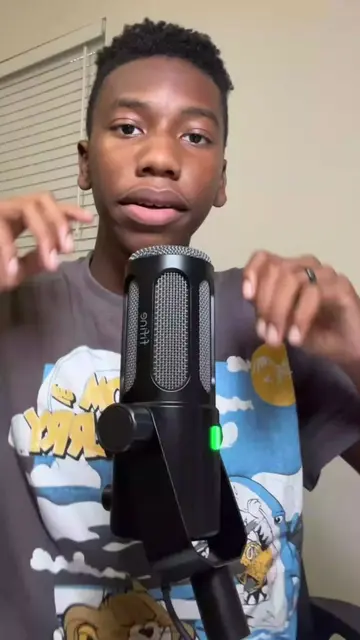
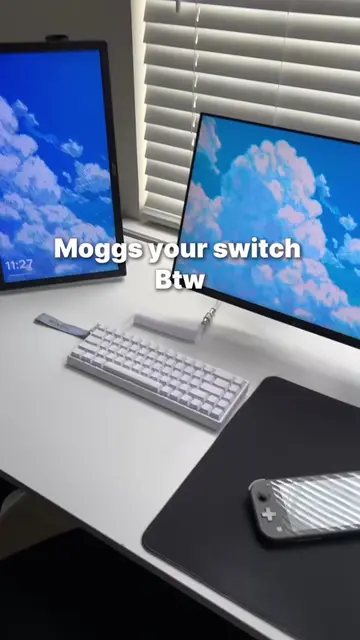
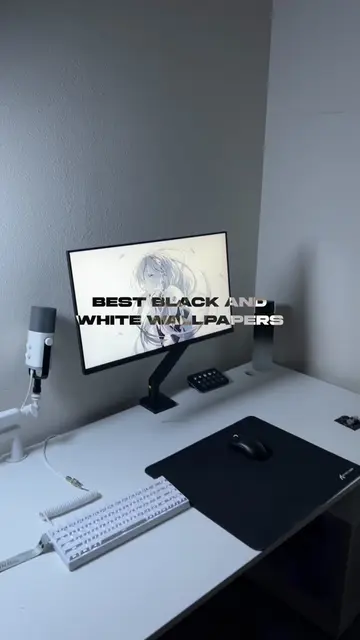
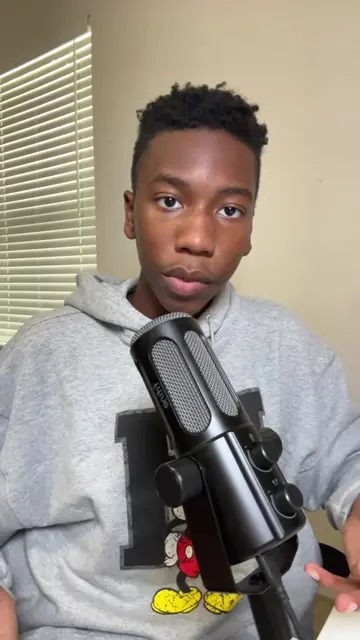
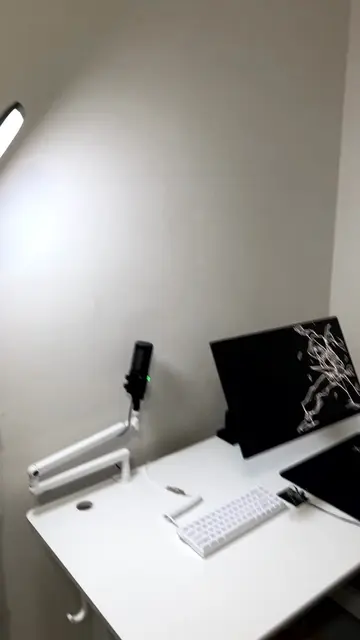
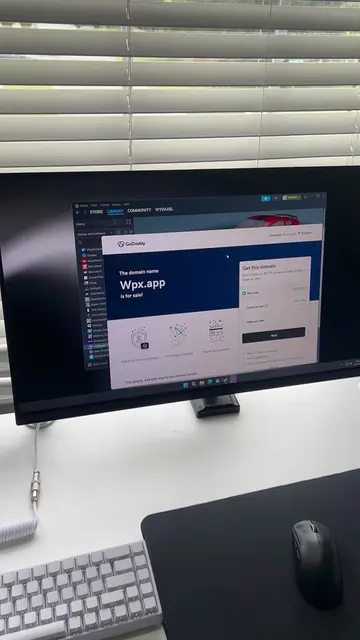
This video provides tips on how to improve video recording quality for content creation. It demonstrates how to adjust camera settings like resolution, frame rate, and exposure to achieve a better filming setup.
Structure
- 1Intro with title card
- 2Demonstrate camera settings (4K, 60 FPS)
- 3Adjust exposure
- 4Demonstrate filming technique (orbiting setup)
- 5Call to action for part 2
Call to action
Follow for part 2
On-screen text
TechTok
Tips You Need
Part 1
YOUR
THIS
BEST WAY TO
FILM
YOUR
SETUP
CAMERA
VIDEO
QUALITY
FPS
NOW
AGAIN
EXPOSURE
NEGATIVE
TWO
BACK
KNEES
SLOWLY
SETUP
YOUR
FOLLOW
Transcript
TechTok tips you need part 1. If your recording looks like this, let me show you the best way to film your setup. And if I were you, I would save this video for later so you don't forget. Start by opening up your camera app, click video and change your quality to 4K, 60 FPS. Now, click video again and drop your exposure down to negative .2. To fix your filming, back up, bend your knees slightly and slowly orbit around your setup. So if this helped your filming, drop a follow for part two.
Original caption
How to film | TechTok Tips You Need Part 1#techtok #fyp #tips #GamingSetup #setupgaming #setup
More from @axel.techhh
More breakout videos from this creator.