Loading video…
All breakouts
4.5Talking HeadOther hookEducation
Hook
2026
@eminenceofficial21
12.2K followers · usually 5.4K views a post
Views
27.5K
Likes
1.2K
Comments
37
Shares
130
Why it worked
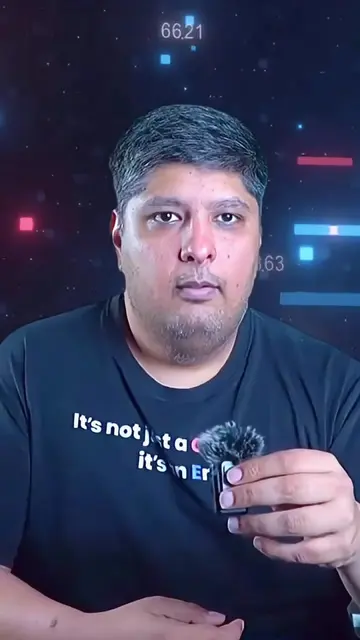
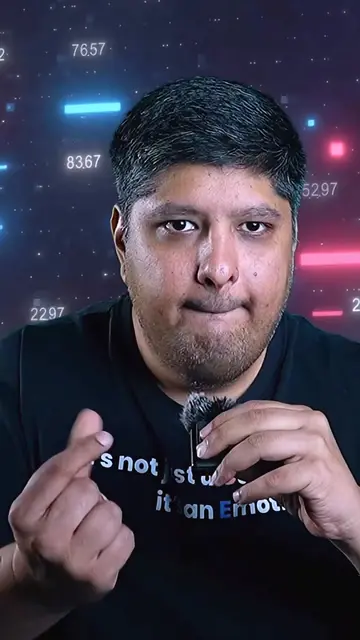
The video taps into a common user frustration with default system elements and offers a visually appealing and easy-to-implement solution. The use of popular culture references (Minecraft, Solo Leveling, Jujutsu Kaisen) for the cursors likely appeals to a broad audience.
Summary
The video demonstrates how to change the default Windows cursor to a custom animated cursor from the website Sweezy Cursors. It shows the process of selecting and applying a new cursor through Windows mouse settings.
Structure
- 1Introduction to outdated cursors
- 2Introducing Sweezy Cursors website
- 3Showcasing cursor categories and examples
- 4
Original caption
Still_using_your_Boring_Cursor_🥲,_Transform_your_Boring_Cursor_into_a_stylish_one#pcsetup #GamingLaptop #windowstips #website #clouddesigner
More from @eminenceofficial21
More breakout videos from this creator.