Loading video…
All breakouts

5.8App DemoDirect Question hook
Hook
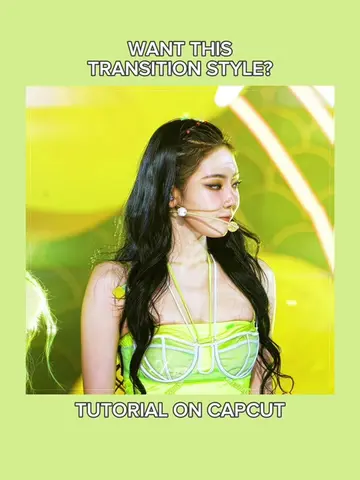
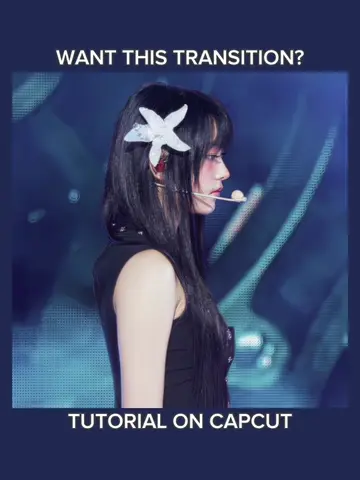
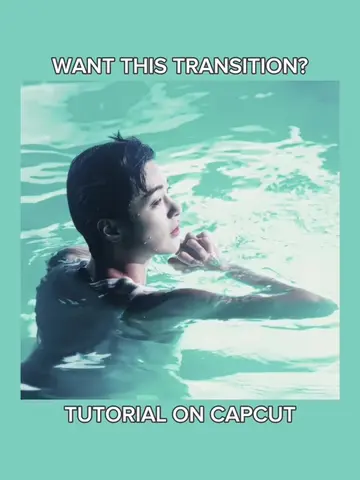
WANT THIS TREND?
@jnkrbyjne
121.5K followers · usually 257.1K views a post
Views
1.5M
Likes
98.3K
Comments
285
Shares
10.8K
Why it worked
The video provides a clear, step-by-step tutorial for a popular video editing trend, making it highly shareable and valuable for users looking to replicate the effect. The use of on-screen text and visual demonstrations caters to a broad audience.
Summary
This video provides a tutorial on how to create a trending video edit using CapCut. It demonstrates various editing techniques including speed adjustments, curve effects, animations, and visual effects like blur and mirror.
Structure
- 1Demonstrate the desired trend effect.
- 2Showcase the CapCut interface and editing steps.
- 3Apply speed and curve adjustments to clips.
- 4Add animations and visual effects.
- 5Incorporate overlays and adjust saturation.
- 6Finalize the edit and show the result.
Original caption
montagem guerreiro trend | INTRO: muriloftbl #CapCut #capcuttutorial #edittutorial #capcutpioneer #trendedit montagem guerreiro trend edit tutorial | reverse transition edit tutorial | neymar jr edit
More from @jnkrbyjne
Their other posts in the index, biggest breakout first.