Loading video…
All breakouts
2.5App DemoOther hookConsumer Apps
Hook
ios 27 Public Beta
@johnyzowada
45.5K followers · usually 55.0K views a post
Views
245.4K
Likes
12.7K
Comments
125
Shares
378
Promoted product
iOS 27
Why it worked
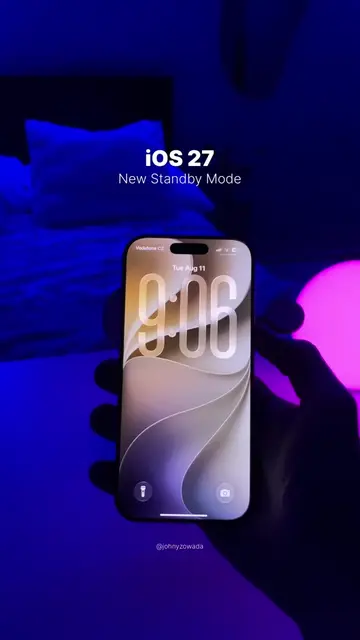
The video leverages the anticipation for new Apple software releases by showcasing beta features. It uses a clean, visually appealing demonstration format that highlights the functionality of the new iOS version.
Summary
The video showcases new features of the iOS 27 Public Beta on an iPhone. It demonstrates features like 'Image Playground' for image generation and 'Refine or Expand Your Shot' for photo editing, as well as 'Liquid Glass' for visual effects.
Structure
- 1Showcasing iOS 27 Public Beta
- 2Demonstrating Image Playground
- 3Demonstrating Refine or Expand Your Shot
- 4Demonstrating Liquid Glass
- 5Returning to the lock screen
Product placement
Apple: ACTS - The operating system being demonstrated. Removing it would change the video. iPhone: ACTS - The device on which the operating system is being demonstrated. Removing it would change the video.
On-screen text
ios 27
Public Beta
Image Playground
Create, refine, and explore almost anything you can imagine.
Use your photos and common prompts to create images and explore suggested images and themes.
Next
Refine or Expand Your Shot
Adjust the camera position, or expand the frame for a new perspective.
Continue
Liquid Glass
Slide from clear to blurred, to reveal content beneath or add more opacity.
Welcome to Apple Park
Cupertino, California
Original caption
Are you updating to iOS 27 Beta? #apple #ios27 #TechTips #iphone #techtok
More from @johnyzowada
More breakout videos from this creator.