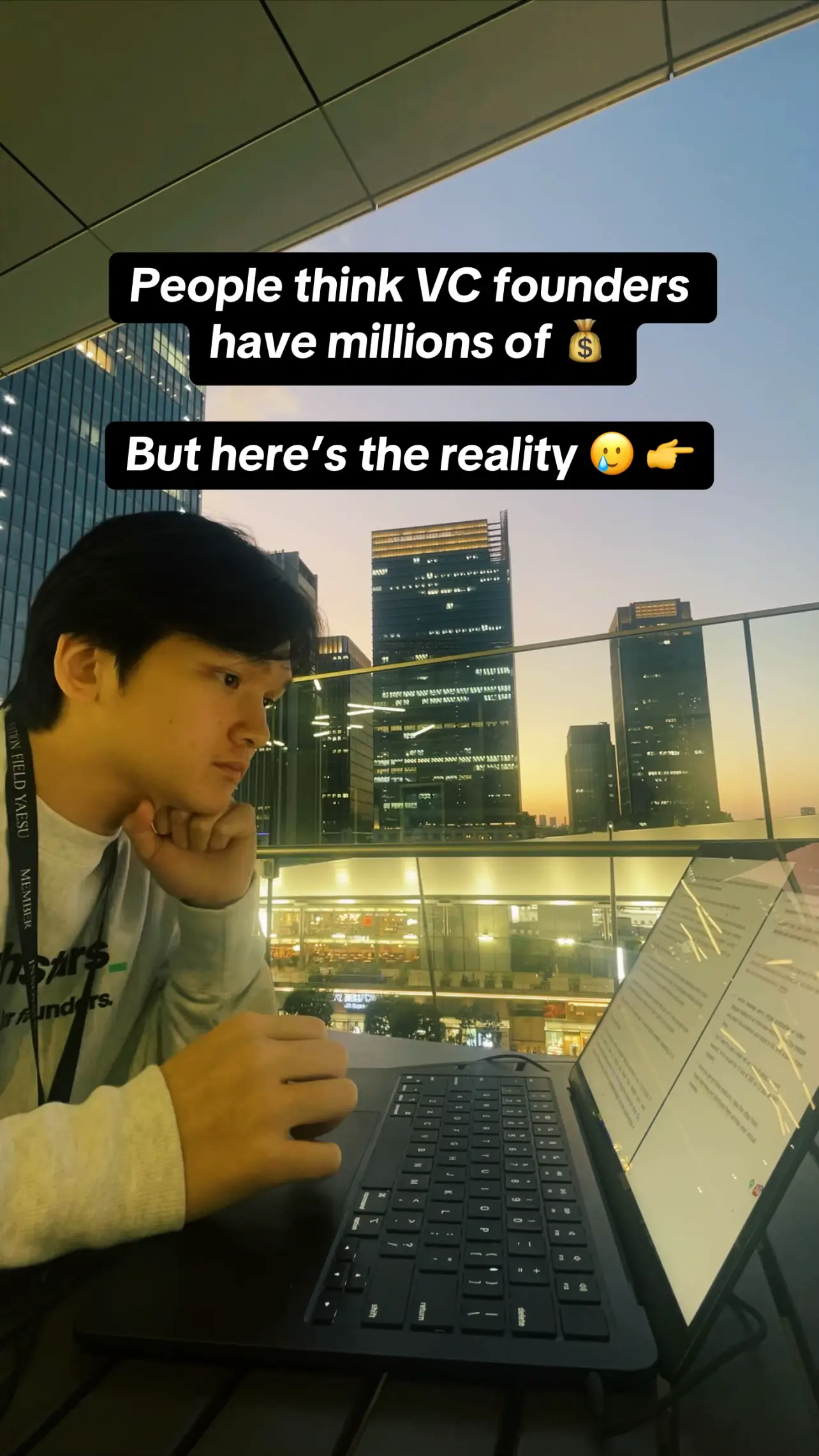
Loading video…
All breakouts
4.8App DemoBefore / After hookAI Tools
Hook
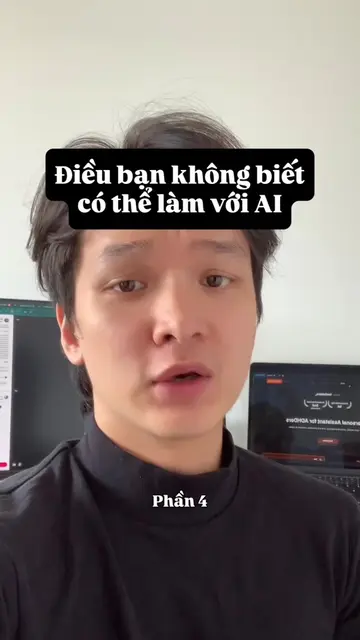
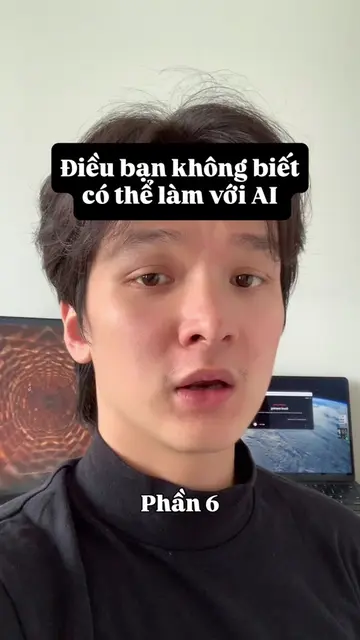
Điều bạn không biết có thể làm với AI
@anh.saner.ai
3.7K followers · usually 671 views a post
Views
2.6K
Likes
88
Comments
4
Shares
3
Promoted product
Saner.aihttps://saner.ai/ ↗
Why it worked
The video provides a practical and visually engaging demonstration of how an AI tool can solve a common problem (managing numerous screenshots). The use of a specific prompt and the clear visual of the AI organizing files makes the benefit tangible and encourages viewers to seek more such tips.
Summary
The video demonstrates how to use Saner.ai, an AI personal assistant, to automatically rename and organize screenshots based on their content. It shows the process of uploading screenshots to Claude, selecting the 'Cowork' feature, and using a prompt to have the AI analyze and rename the files.
Structure
- 1Introduction to AI capabilities for organization
- 2Opening Claude and navigating to Cowork
- 3Using a prompt to rename screenshots
- 4AI analyzing and renaming files
- 5Call to action to follow for more AI tips
Product placement
The video shows a screen recording of the Claude AI interface, specifically demonstrating the 'Cowork' feature, which is part of Saner.ai. The creator uses a prompt to organize screenshots, highlighting the AI's ability to analyze and rename files.
Original caption
Bạn đã có thể làm với AI: đổi tên và sắp xếp tất cả ảnh tự động 😳 #AITools #AI #CongNghe #aitoolsforbusiness #aiapp
More from @anh.saner.ai
More breakout videos from this creator.