Loading video…
Sound

original sound - cn.plates
cn.tutorials · Original audio
0:00–:––
Playing this video’s own audio, so you’ll hear the creator over the sound.
The video effectively breaks down a popular editing trend into easily digestible steps, using a well-known creator's footage as an example. The clear on-screen text and visual demonstration make it easy for viewers to follow along and replicate the effect.
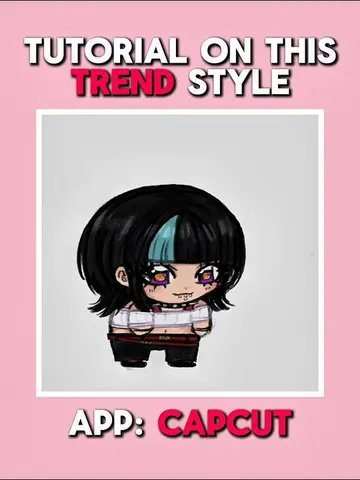
This video provides a tutorial on how to create a trending 'shake' edit style using the CapCut app. It demonstrates step-by-step instructions for applying various effects, including shake, background removal, and glitch effects, to achieve the desired look.
Tutorial on this trending ‘shake’ Style (“Jabik” trend ) Ishowspeed#CapCut #capcutpioneer #capcutedit #capcuttutorial #tutorial
TUTORIAL ON THIS TREND EDIT STYLE
Introduce the tutorial and app
Sync clips to the beat
Apply shake effect with keyframes
Freeze frame and remove background
Apply 'shaky glitch' effect
Show final results
CapCut: ACTS - it is used to edit the video, applying effects and transitions. Removing it would change what happens in the video. Ishowspeed: APPEARS - a watermark/username on the video. Removing it would not change what happens in the video.
LIKE, REPOST, COMMENT AND FOLLOW IF THIS HELPS YOU, TY :3
Playing this video’s own audio, so you’ll hear the creator over the sound.
Promotes 1 product. Create free account to see more.
Outliers and viral hits: their videos on Overshot, all time.
Video editing app for creators making social media videos
Views and creators: posted in the last 30 days (English videos). Videos: all time.