Loading video…
The creator

@cn.plates
cn.tutorials · 20.1K followers · 636.7K likes
Promotes 1 product. Create free account to see more.
Usual views
37.8K
Outliers
25
Viral hits
25
Outliers and viral hits: their videos on Overshot, all time.
The video leverages a popular TikTok trend and provides a clear, step-by-step tutorial using a widely accessible app (CapCut). The use of AI features and the visual appeal of the anime-style characters likely contributed to its engagement.
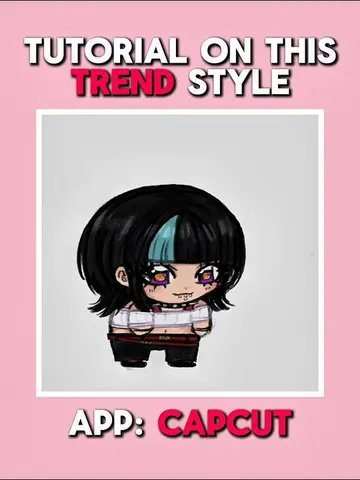
This video provides a tutorial on how to create a "fake collab" trend edit using the CapCut app. It demonstrates how to use AI editing features to transform an image into a character and then animate it using mimic motion.
Tutorial on this Trend ‘Fake collab let’s dance’ ( Apologize in brazil )#CapCut #capcutpioneer #capcutphoto #seedream5pro #tutorial
Promotes 1 product. Create free account to see more.
Outliers and viral hits: their videos on Overshot, all time.
Video editing app for creators making social media videos
Views and creators: posted in the last 30 days (English videos). Videos: all time.
TUTORIAL ON THIS TREND EDIT STYLE
Introduction to the trend and app
AI photo editing with Seedream 5.0 Pro
Removing background and adding character
Using mimic motion for animation
Finalizing the animation and results
Call to action
CapCut: Video editing app. ACTS - used to edit photos and videos. Removing it would change the video. Seedream 5.0 Pro: AI model within CapCut. ACTS - used to generate AI edits of photos. Removing it would change the video.
Follow, like, repost and comment if this helps you, ty :3

Playing this video’s own audio, so you’ll hear the creator over the sound.