Loading video…
Sound

Dynamic Sport Beats
Gummy MusicLab
0:00–:––
The video provides a clear, step-by-step tutorial for a visually appealing effect that is commonly sought after by content creators. The use of CapCut, a popular and accessible editing app, makes the tutorial relevant to a wide audience.
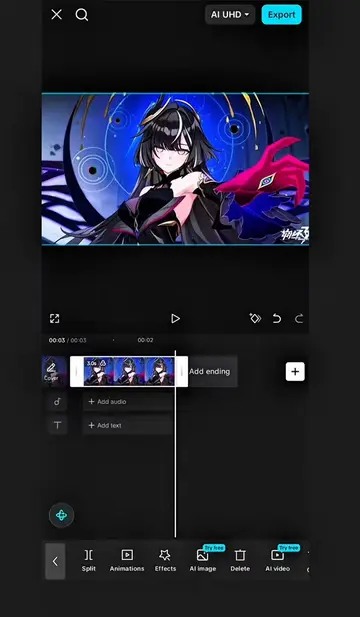
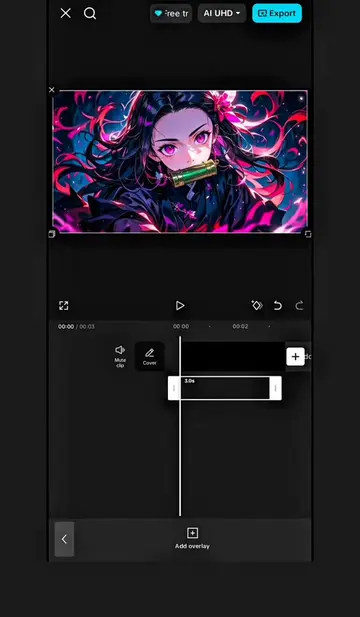
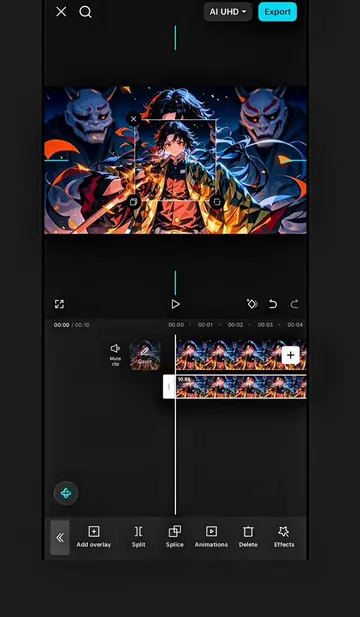
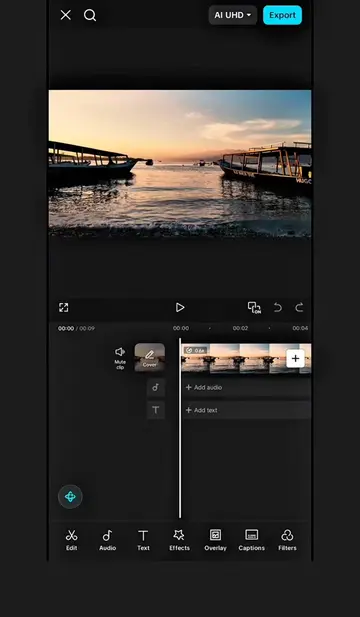
The video demonstrates how to create a cinematic text intro effect using CapCut. It involves adding text, styling it with a green color, applying an animation with keyframes and graph adjustments, exporting the animation, and then using chroma key to remove the green background, resulting in a professional-looking intro.
Cinematic Text Intro Effect. Intro Tutorial. Intro Effect. #CapCut #capcutpioneer #intro #capcutseries #capcutedit
Editing करते हुए
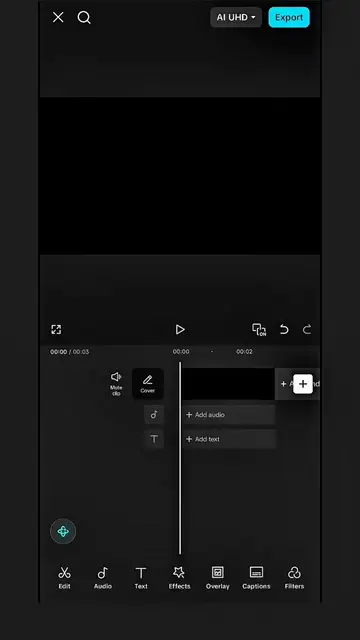
Add black background and set duration
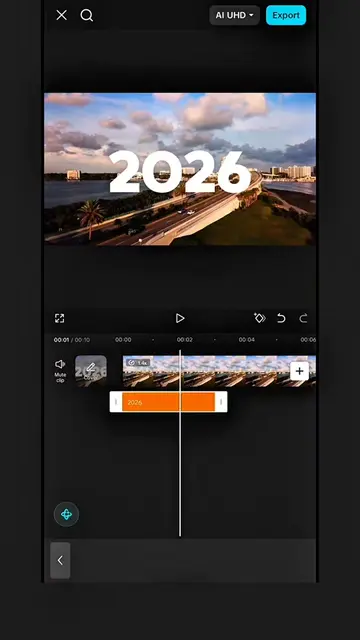
Add text, choose font and style
Apply text animation with keyframes and graph
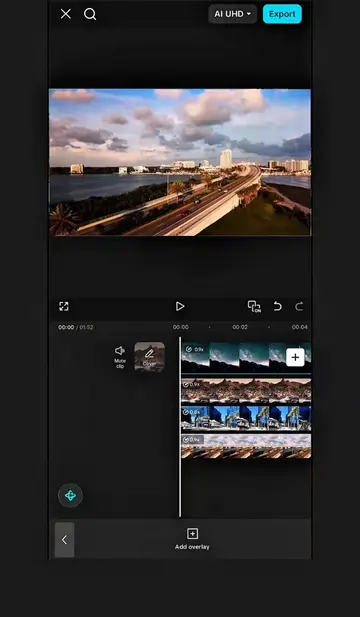
Export animation and add as overlay
Use chroma key to remove green background
CapCut: Video editing software. It ACTS as the primary tool used to create the video. Removing it would change what happens in the video. It is the SUBJECT of the video. It is promotional.
Video editing app for creators making social media videos
Views and creators: posted in the last 30 days (English videos). Videos: all time.
Promotes 1 product. Create free account to see more.
Outliers and viral hits: their videos on Overshot, all time.