Loading video…
All breakouts
 CapCutseen in 576 videos →
7.9App DemoListicle hookEducation
Hook
FOUR ESSENTIAL EDITING TOOL
@ezraed1t
207.0K followers · usually 191.0K views a post
Views
1.5M
Likes
32.2K
Comments
219
Shares
2.2K
Selling · SaaS › Other SaaS
Why it worked
The video provides a clear, step-by-step tutorial on using specific editing features within CapCut, which are highly relevant to users looking to improve their video editing skills. The use of on-screen text and visual cues makes the tutorial easy to follow, appealing to a broad audience interested in content creation.
Summary
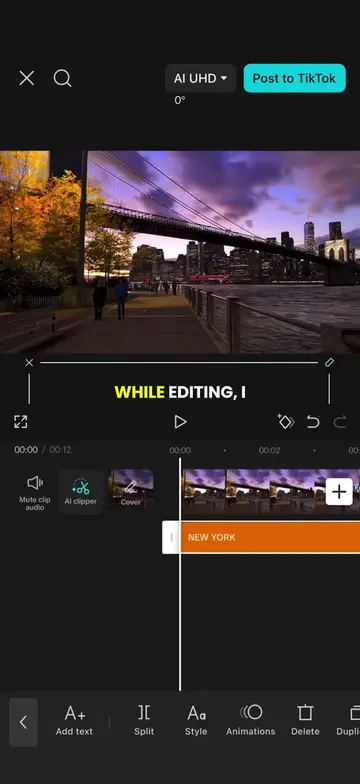
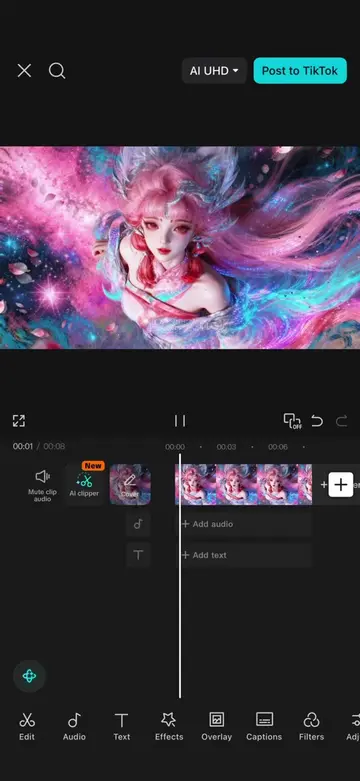
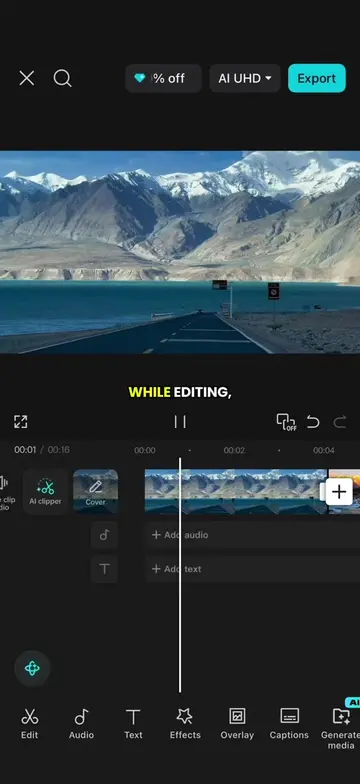
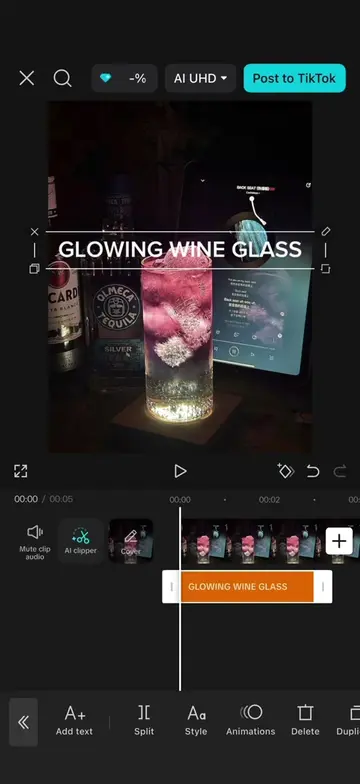
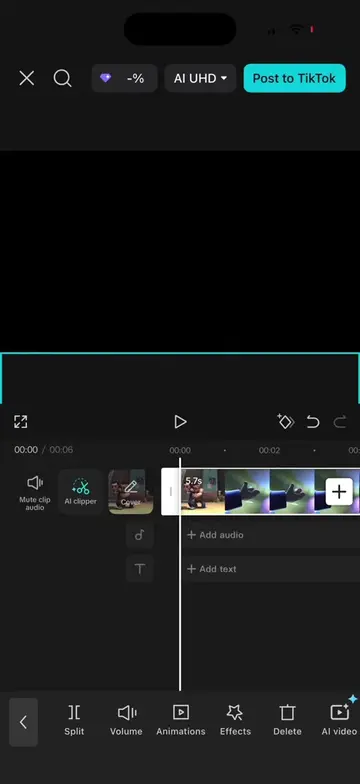
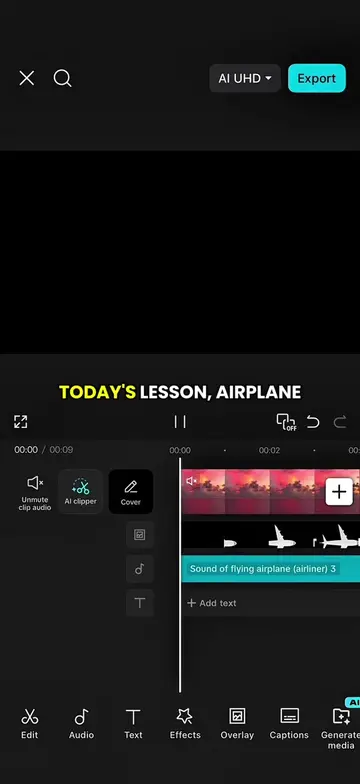
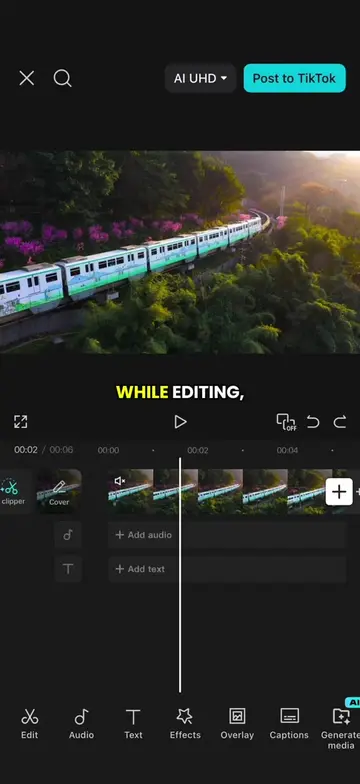
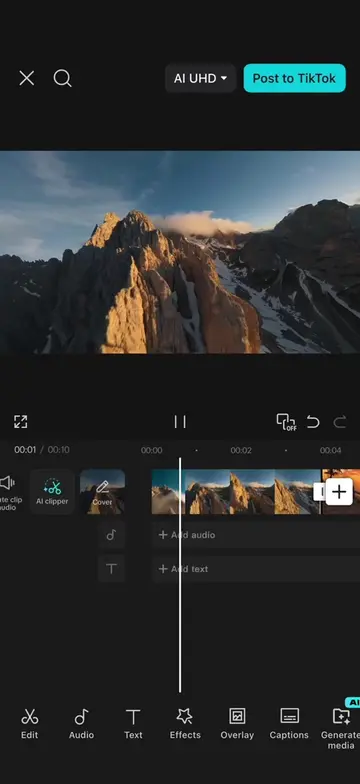
This video demonstrates four essential editing tools in CapCut: Overlay, Keyframe, Mask, and Remove BG. It shows how to use each tool to create advanced video effects like seamless transitions and layered cut-outs.
Structure
- 1Introduction of four essential editing tools
- 2Demonstration of the Overlay tool
- 3Explanation and application of the Keyframe tool for transitions
- 4Demonstration of the Mask tool for selective visibility
- 5Demonstration of the Remove BG tool for creating cut-outs
- 6Conclusion summarizing the learned tools
Product placement
Original caption
Episode 61 | Four essential editing tools #CapCut #capcutpioneer #tiktoktips #editingtips #tutorial
More from @ezraed1t
Their other posts in the index, biggest breakout first.