Loading video…
All breakouts
62.5Text-HeavyOther hookCreator Economy
Hook
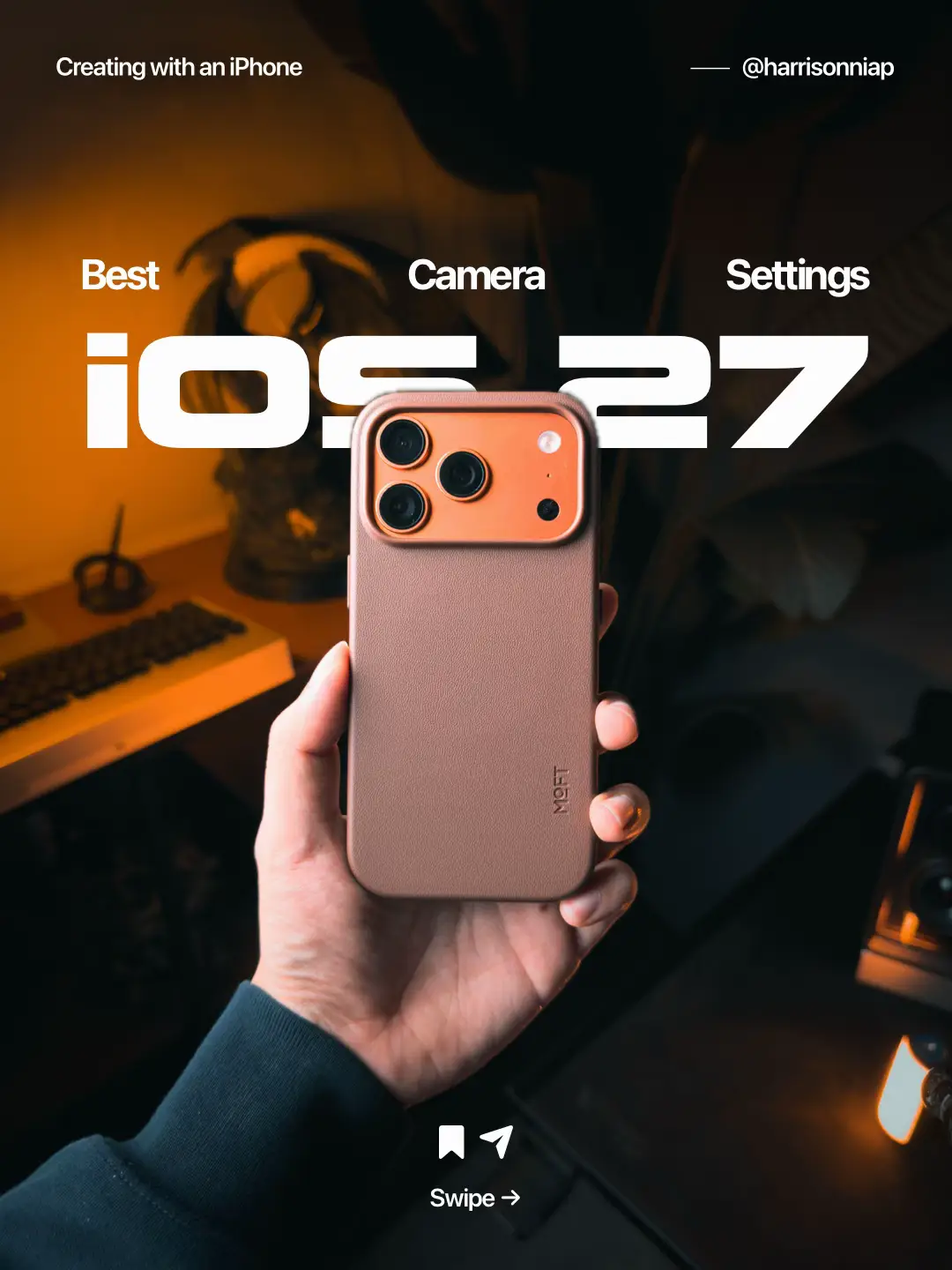
Creating with an iPhone
@harrisonniap
118.0K followers · usually 6.9K views a post
Views
429.1K
Likes
19.0K
Comments
41
Shares
1.9K
Promoted product
iPhone camera settings
Why it worked
The post provides valuable, actionable tips for iPhone users looking to improve their photography and videography, directly addressing a common interest and use case for the platform's audience. The visual format of a slideshow allows for clear, step-by-step demonstrations of complex settings.
Summary
This TikTok slideshow demonstrates various camera settings and features available on an iPhone, specifically highlighting iOS 27 updates. The creator explains how to optimize settings for better photo and video quality, composition, and specific use cases like color grading.
Structure
- 1Introduction to iOS 27 camera features
- 2Demonstration of general camera settings (quality, composition)
- 3Detailed explanation of video recording settings
- 4Exploration of photo capture and advanced formats (ProRAW, ProRes)
- 5Showcase of portrait mode and other photo enhancements
- 6Creator's personal endorsement and call to action
Product placement
iPhone: ACTS - used to create content, its camera settings are demonstrated and explained. Removing it would change what happens in the video.
Settings: ACTS - the app interface is shown, and its camera settings are navigated. Removing it would change what happens in the video.
Camera: ACTS - the app interface is shown, and its camera settings are navigated. Removing it would change what happens in the video.
Apple: APPEARS - Apple logo is implied by the iPhone and iOS, but not explicitly shown. Removing it would not change what happens in the video.
ProRAW: ACTS - a setting within the camera app is discussed and toggled. Removing it would change what happens in the video.
Apple ProRes: ACTS - a setting within the camera app is discussed and toggled. Removing it would change what happens in the video.
linktr.ee: APPEARS - the creator's bio link is provided, but it is a link aggregator and not the product being promoted. Removing it would not change what happens in the video.
Original caption
IOS 27 Public Beta is officially out! 🥳 You can download it from your iPhone’s Settings > Software Update. iOS27 comes with plenty of enhancements and changes, but I’m no doubt most excited about the Camera and Photo app updates. Extend, in particular, is super useful for me, and now Cleanup is SO much better. 😌 #apple #ios27 #iphone #camerasettings #shotoniphone
More from @harrisonniap
More breakout videos from this creator.