Loading video…
All breakouts

4.4OtherOther hook
Hook
ECUpacket
@ecutool.factory
10.3K followers · usually 2.1K views a post
Views
9.3K
Likes
283
Comments
5
Shares
11
Why it worked
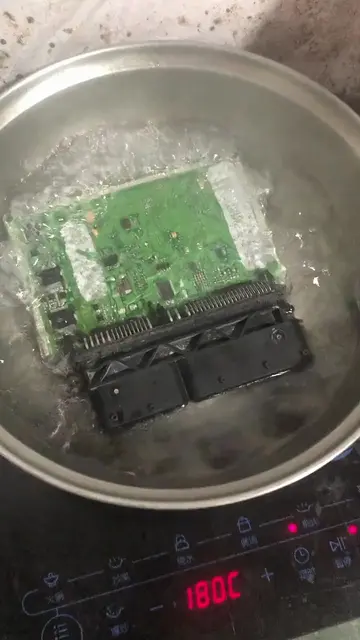
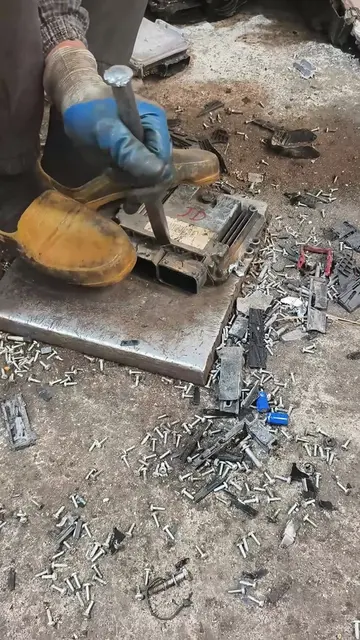
The video uses a visually striking and unconventional method (cleaning an ECU in a pan) to grab attention, followed by clear product shots and software demonstrations that highlight the functionality of the ECU programming tools.
Summary
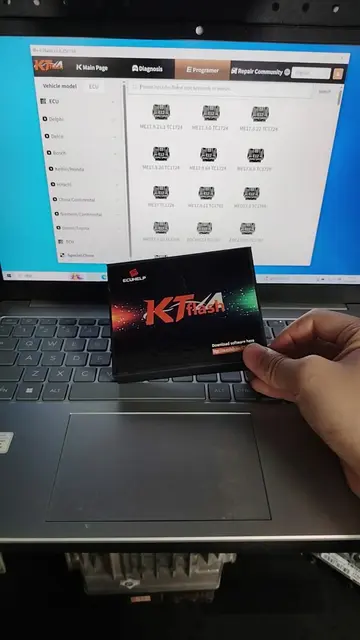
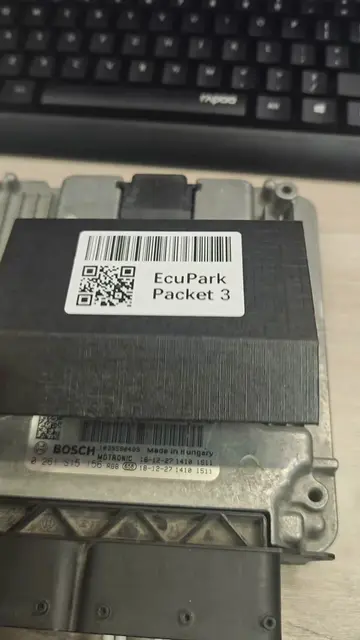
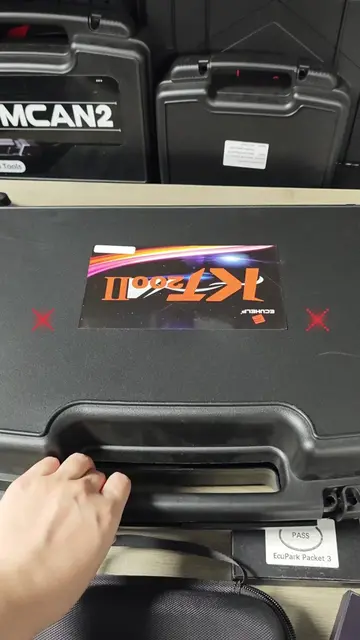
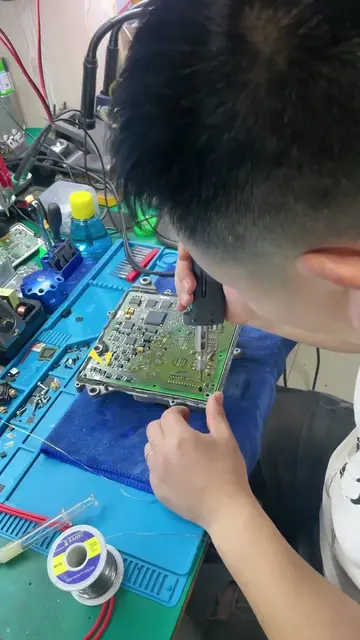
The video shows an ECU (Engine Control Unit) being cleaned in a pan, followed by shots of USB dongles labeled 'Packet 3' and 'Packet 4' with application versions. It then displays a laptop screen showing software with a progress bar and a list of numbers, and finally, a factory setting with multiple ECU programming tools.
Structure
- 1Cleaning an ECU in a pan
- 2Showing USB dongles labeled 'Packet 3' and 'Packet 4'
- 3Displaying ECU programming software on a laptop
- 4Showcasing a factory with multiple ECU tools
Product placement
ECUpacket: ACTS - it is a USB dongle that functions as an ECU & TCU workbench. Removing it would change what happens in the video.
KT200II: ACTS - it is an ECU & TCU programmer. Removing it would change what happens in the video.
On-screen text
Original caption
Small stick, serious range — ECUpacket turns one USB dongle into a full ECU & TCU workbench. #Ecupacket #ecutool #ecutoolfactory #ecu #tcu
More from @ecutool.factory
Their other posts in the index, biggest breakout first.