Loading video…
All breakouts

57.5App DemoHow-To hook
Hook
Here's how to connect Claude AI to Roblox Studio.
@torcchia
1.7K followers · usually 6.3K views a post
Views
350.7K
Likes
19.9K
Comments
370
Shares
2.7K
Why it worked
The video provides high-utility, technical value for a specific niche audience (Roblox developers) by solving a complex integration problem in under 40 seconds.
Summary
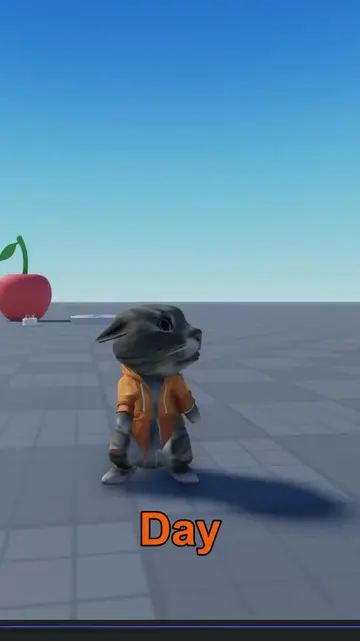
The video provides a quick, step-by-step tutorial on how to integrate Claude AI with Roblox Studio using the MCP Server feature. It demonstrates the specific settings to toggle and the command to copy to enable automated game development assistance.
Structure
- 1State the goal of connecting Claude AI to Roblox Studio
- 2Navigate to AI Assistant settings in Roblox Studio
- 3Enable MCP Server and copy the command
- 4Paste command into Claude Code chat
- 5Confirm setup and demonstrate functionality
Product placement
Claude AI is the central tool being demonstrated for its ability to automate game development within Roblox Studio.
Call to action
Original caption
How to Connect Claude AI to Roblox Studio with MCP Server Turorial #robloxstudio #robloxdev #claudeai #gamedev #roblox
More from @torcchia
Their other posts in the index, biggest breakout first.