Loading video…
All breakouts
3.5Talking HeadResult / Flex hookConsumer Apps
Hook
3 weeks
@thisguyvibecodes
1.2K followers · usually 1.5K views a post
Views
5.0K
Likes
311
Comments
5
Shares
18
Promoted product
Paper MCP
Why it worked
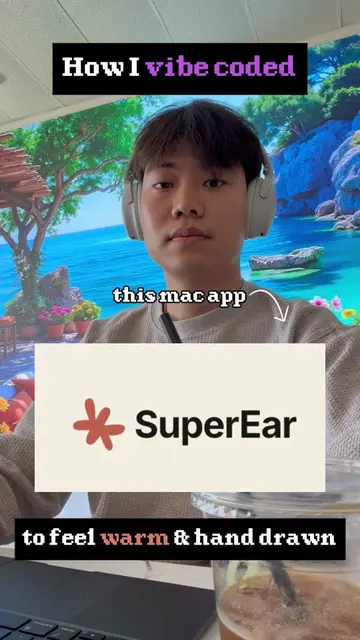
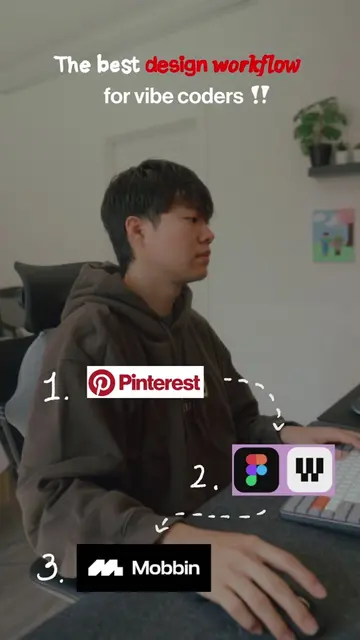
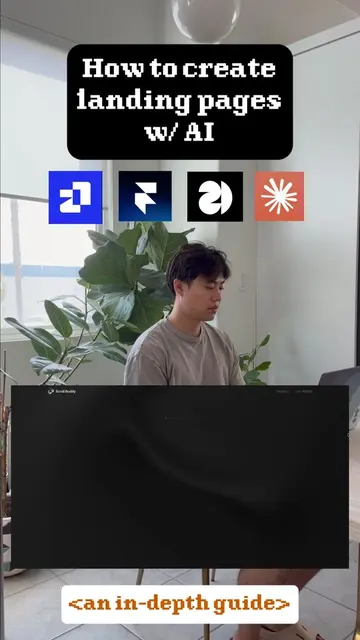
The video offers a practical, step-by-step guide to a complex topic (AI app design) using readily available tools, making it highly valuable for aspiring developers and designers. The use of visual aids and a clear structure breaks down the process into manageable steps, increasing its shareability.
Summary
This video provides a three-step guide to designing AI apps, focusing on building a foundation with brand guidelines, gathering inspiration from platforms like Pinterest and Mobbin, and finally building the app using tools like Paper MCP and Claude Code. The creator emphasizes the importance of a thorough design process to ensure the app is well-built.
Structure
- 1Introduction to AI app design workflow
- 2Step 1: Establish the foundation (brand guidelines)
- 3Step 2: Gather inspiration (Pinterest, Mobbin)
- 4Step 3: Start building (Paper MCP, Claude Code, Mobbin MCP, Reporia)
Original caption
A step by step guide on how to design ai apps with craft & taste #vibecoding #claude #buildinpublic #devlog
More from @thisguyvibecodes
More breakout videos from this creator.