Loading video…
All breakouts
20.5Talking HeadSocial Proof hookSaaS
Hook
Google just told us
@darrenshawseo
7.4K followers · usually 2.6K views a post
Views
51.7K
Likes
1.9K
Comments
27
Shares
815
Promoted product
Whitespark
Why it worked
The video provides actionable, technical SEO advice that is directly relevant to website owners and marketers, leveraging Google's recent insights to create timely and valuable content.
Summary
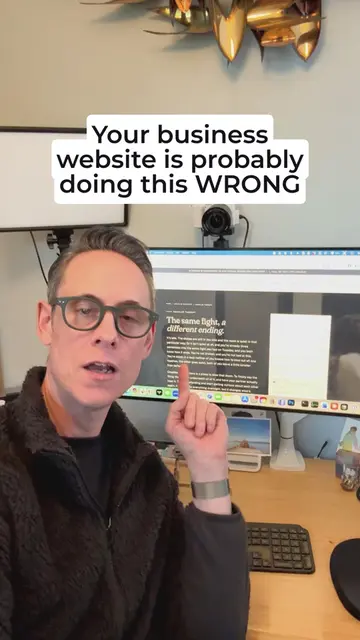
This video explains how AI agents read websites by accessing the hidden Accessibility Tree, which is different from how humans see the page. It demonstrates how to inspect this tree using Chrome's developer tools and highlights the importance of proper HTML structure for AI readability.
Free accountLocked — create a free account to open
Transcript, structure and on-screen text
5 beats, a 171-word transcript and 7 lines of on-screen text — the parts you need to write your own version.
Original caption
Google just told us how AI agents actually see your website, and it’s not just what humans see on the screen. They’re accessing a hidden version of your page called the Accessibility Tree. It’s basically a stripped-down version of your page that shows the structure, roles, headings, labels, and text that machines can understand. Your page can look perfect to humans, but be a total mess for AI agents. Here’s how to check yours in Chrome: 1. Right-click any page and hit "Inspect." 2. In Elements, click the double-arrow icon 3. Select "Accessibility" 4. Toggle "Show Accessibility Tree" on. A GOOD accessibility tree clearly shows your headings, text, buttons, links, and page structure. A BAD one can make your content almost impossible to understand (see screenshot below). So, make sure you are using proper HTML headings, labels, descriptive link text, and alt text. The easier you make your website for AI agents to understand, the better chance you have of showing up in AI results.
More from @darrenshawseo
More breakout videos from this creator.