Loading video…
All breakouts
 CapCutseen in 576 videos →
6.8App DemoOther hookEducation
Hook
Masks are one of the most powerful features in CapCut.
@ezraed1t
207.0K followers · usually 191.0K views a post
Views
1.3M
Likes
15.2K
Comments
116
Shares
763
Selling · SaaS › Other SaaS
Summary
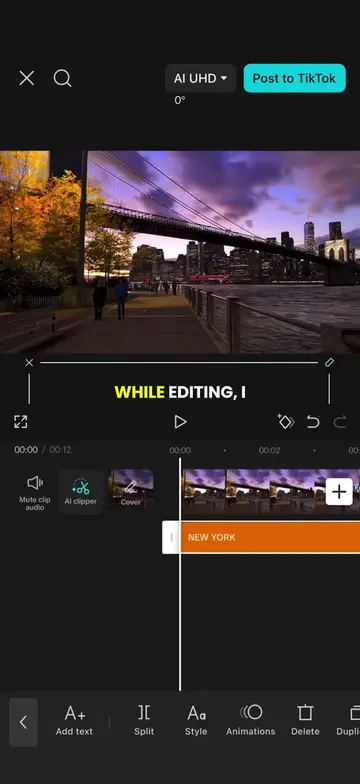
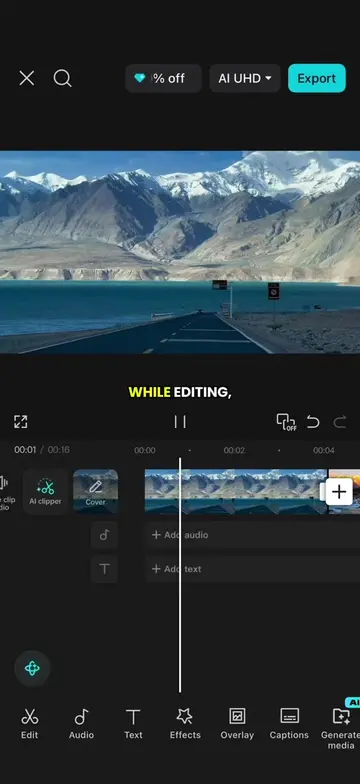
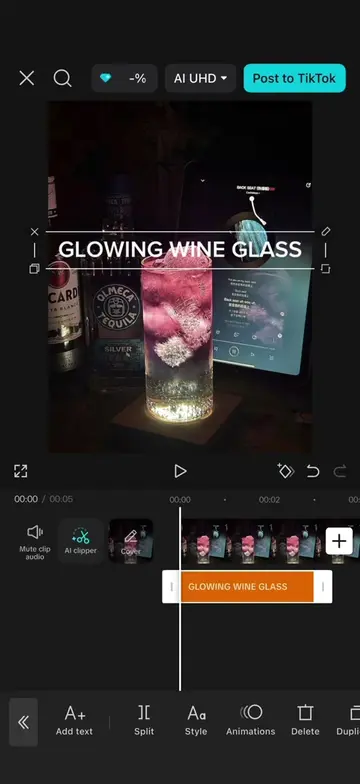
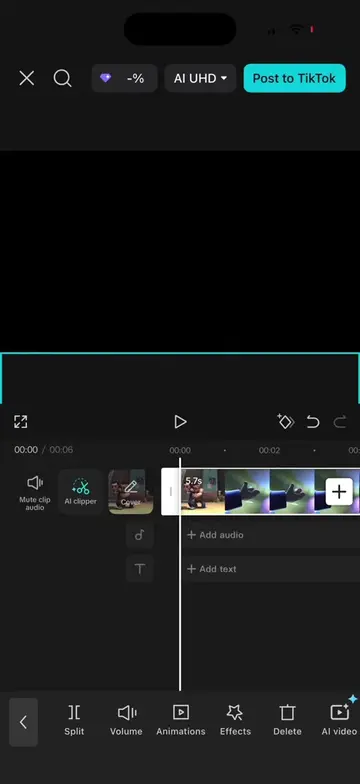
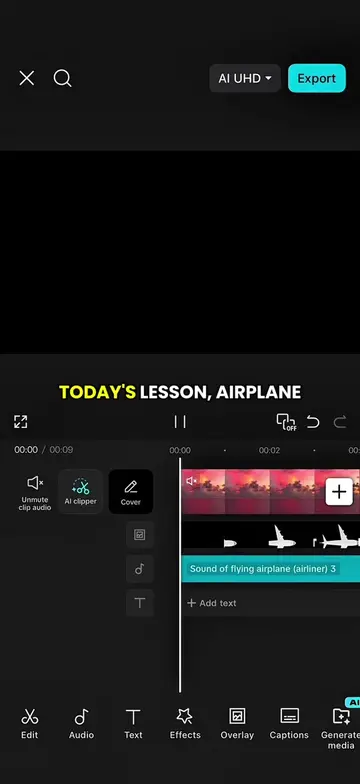
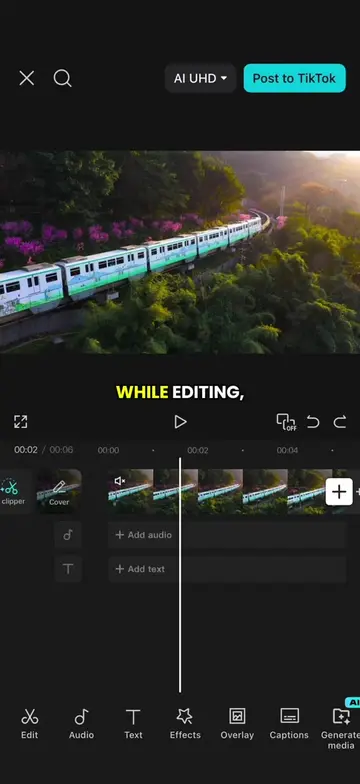
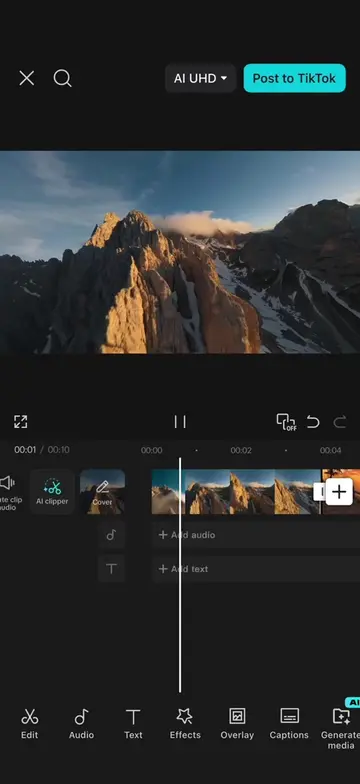
This video demonstrates how to create a wide-angle rolling screen intro effect using CapCut. It guides viewers through applying masks, duplicating layers, staggering them, and adding effects and stickers to achieve the desired visual.
Transcript
Masks are one of the most powerful features in CapCut. First, enter eight upper case B and set the letter spacing to 26. Next, select the video, open mask and choose mirror mask. Rotate the mask to 90 degrees, scale it down and position it on the left side. Then duplicate it six times and place all of them as overlays. Go back to mask and move each mask into position one by one. Next, open beats and tap auto beat. Then shorten each overlay by one beat and stagger them one after another. After that, add a black background as an overlay. Apply a circle mask, then stretch it into an oval and place it at the top. Duplicate it once and move the copy to the bottom. Next, open effects and add the fade to white effect at every beat marker. Set the object to overlay. Finally, add your favorite stickers to the top and bottom of the screen. Congratulations. Today you learned a wide angle rolling screen intro effect.
Original caption
Episode 63 | Wide angle roll intro effect #CapCut #capcutpioneer #editingtips #editingtutorial #tiktoktips
More from @ezraed1t
Their other posts in the index, biggest breakout first.