Loading video…
Sound

original sound - solutionstation
Solution Station · Original audio
0:00–:––
Playing this video’s own audio, so you’ll hear the creator over the sound.
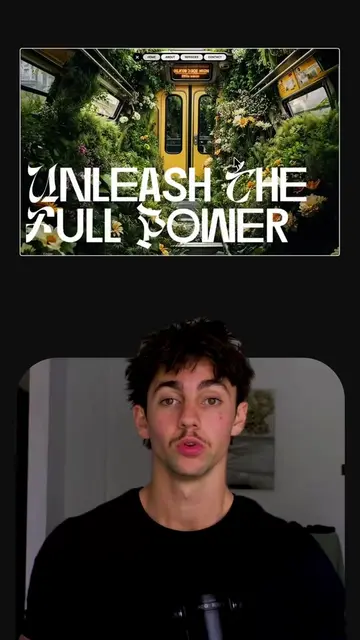
The video provides a clear, step-by-step tutorial on how to use a free tool to create animated logos, which is a valuable service for designers and businesses. The demonstration is concise and visually engaging, making it easy for viewers to follow along and achieve a similar result.
This video demonstrates how to use the free website Logo Motion to animate a logo. Users can upload their PNG logo, adjust its size and position, select a brand color, choose background audio, and then download the animated video.
How to Animate Your Logo Beautifully #designedit #designer #logodesign #fypシ゚viral
How to Animate Your Logo Beautifully
Introduce logo animation
Showcase Logo Motion website
Upload and customize logo
Select color and audio
Preview and download animation
Logo Motion (website): acts - it is a website that allows users to animate their logos. Removing it would change what happens in the video. BW (logo): appears - it is a logo shown on the website and in the final video. Removing it would not change what happens in the video. Brightworks Media (logo): appears - it is a logo shown in the final video. Removing it would not change what happens in the video.
Download video
Playing this video’s own audio, so you’ll hear the creator over the sound.
Browser tool that turns logos into short brand videos
All time.
Promotes 7 products. Create free account to see more.
Outliers and viral hits: their videos on Overshot, all time.