Loading video…
Sound

TUM TUM (Slowed)
MXEEN & GANG
0:00–:––
- Videos using it
- 13
- Creators
- 5
- Views on those videos
- 3.5M
Hook
Posted Jul 23, 2026Video · 0:24by @w718bzskn9y
The video leverages a popular trend (beat sync clips) and a widely used editing tool (CapCut) with a clear value proposition: ease of use and professional-looking results without requiring editing skills. The "template" format encourages user participation and virality.
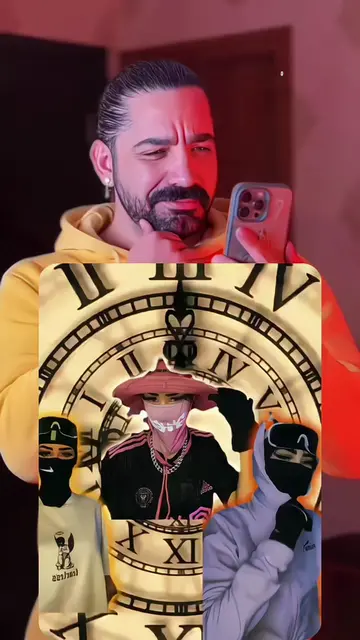
The video demonstrates how to use a CapCut template to create a trending beat sync clip. It highlights the automatic rhythm cut and transition effects, emphasizing that no editing skills are required.
Upload your photos/videos to make this trending beat sync clip! Automatic rhythm cut & stunning transition effects. No editing skills needed, everything pre-set in this free CapCut template. Join the viral beat sync trend now! #capcut #capcutpioneer #beatsynctrend #videotemplate #aidit beat sync video template auto rhythm cut capcut viral beat transition effect photo video beat sync trend capcut beat sync tutorial automatic music clip transition trending music sync edit
I'll show you how to make this trending beat sync clip!
Introduction to creating a beat sync clip
Demonstration of uploading photos/videos
Highlighting automatic effects and ease of use
Call to action to join the trend
CapCut ACTS - it is used to create a video with pre-set transitions and effects, and the video is presented as a template for others to use. Removing it would mean the video cannot be made as shown. Mila APPEARS - it is the username of the creator, and removing it would not change what happens in the video.
Use template in CapCut
Promotes 1 product. Create free account to see more.
Outliers and viral hits: their videos on Overshot, all time.
Video editing app for creators making social media videos
Views and creators: posted in the last 30 days (English videos). Videos: all time.