Loading video…
Sound

original sound - strangeadvancedmarketing
S.A.M · Original audio
0:00–:––
Playing this video’s own audio, so you’ll hear the creator over the sound.
Hook
Posted Jul 23, 2026Video · 0:36by @strangeadvancedmarketing
The video offers a practical, actionable tip that directly addresses a common pain point for users of a specific AI tool, making it highly relevant and shareable within the target audience.
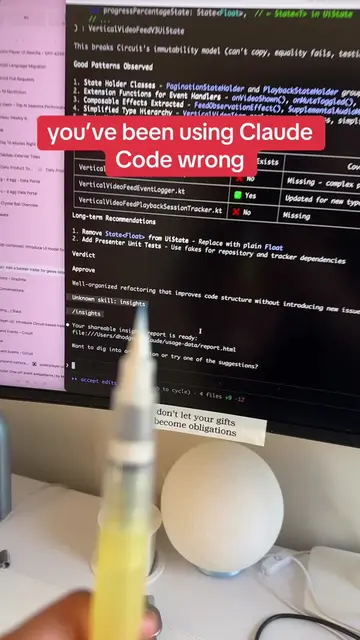
The creator provides a tip for using the Claude-in-Chrome plugin with Claude Code CLI. They advise instructing the AI to navigate using element references to avoid inaccurate and time-consuming screenshot-based navigation.
Quick tip for using Claude-in-Chrome with Claude Code #claudecode #aiautomation #aiworkflows #AITools #TechTok
So, just a quick tip for anybody using the cloud and chrome
Introduce the tip for Claude-in-Chrome and Claude Code CLI
Explain the problem with current navigation (screenshots, inaccuracy, time)
Provide the solution: use element references
Explain the benefit: native navigation, accuracy, speed
The video discusses and demonstrates tips for using the 'Claude-in-Chrome' plugin and 'Claude Code CLI'.
Playing this video’s own audio, so you’ll hear the creator over the sound.
Browser AI tool for developers automating web navigation with Claude Code
All time.
Promotes 2 products. Create free account to see more.
Outliers and viral hits: their videos on Overshot, all time.