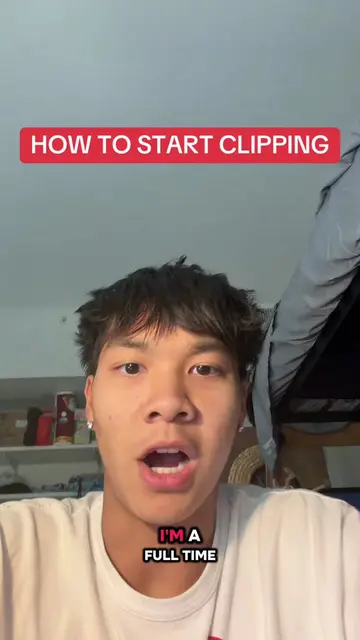
Loading video…
Sound

original sound - youtubemoneywithrico
YouTube Money with Rico · Original audio
0:00–:––
Playing this video’s own audio, so you’ll hear the creator over the sound.
The video directly addresses a viewer's question, providing clear and actionable information about essential tools for a specific task (video clipping). It breaks down the process into simple steps and offers further assistance, making it valuable and engaging for the target audience.
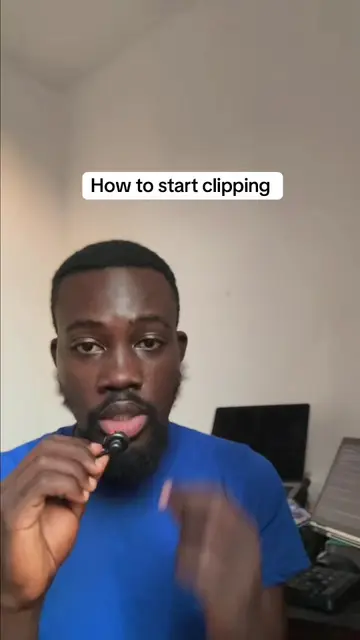
The video explains the two essential tools needed for video clipping: Black Hole for downloading videos and CapCut for editing. It highlights that CapCut is the primary editing tool and suggests subscribing to its pro version for optimal results. The creator offers to help those confused about starting with clipping.
Replying to @Pastel 🌸| Edits+ Lifestyle tools needed for clipping on YouTube #contentcreators #youtubemoney #youtubeautomation #contentcreator
WHAT ARE THE TOOLS NEEDED FOR CLIPPING
Introduction and request acknowledgement
Comparison with YouTube automation costs
Introducing the two main tools: Black Hole and CapCut
Explaining Black Hole's function and compatibility
Explaining CapCut's functions and recommending the pro version
Call to action for direct message assistance
Black Hole: Acts - It is used to download videos from social media platforms. It can be used on iPhone, Android, and systems. It is free to use for downloading videos. CapCut: Acts - It is used for editing videos, joining them together, removing and adding sound, adding voiceovers, and showing your face. It is the primary tool for clipping. The pro version is recommended for most tools used in clipping.
If you're still confused about how to start clipping or you don't know how to start clipping, send a direct message to me right here on TikTok and I will respond to your message.
Playing this video’s own audio, so you’ll hear the creator over the sound.
Promotes 3 products. Create free account to see more.
Outliers and viral hits: their videos on Overshot, all time.
Video editing app for creators making social media videos
Views and creators: posted in the last 30 days (English videos). Videos: all time.