Loading video…
All breakouts
4.5App DemoResult / Flex hookConsumer Apps
Hook
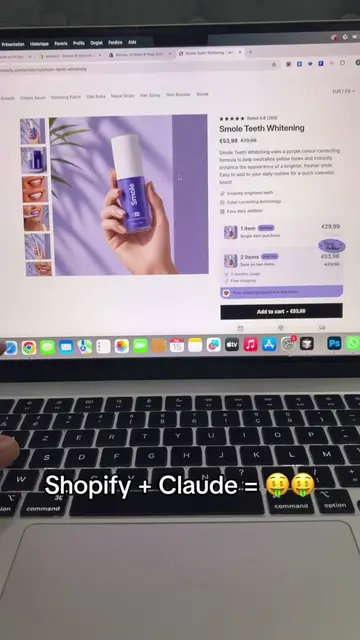
Shopify + Claude = 🤑🤑
@gin16119
1.5K followers · usually 530 views a post
Views
2.3K
Likes
110
Comments
3
Shares
12
Why it worked
The video effectively showcases a practical solution for a common e-commerce pain point (creating product pages quickly) using AI, presented in a clear, step-by-step demonstration with a relatable hook.
Summary
The video demonstrates how to use the Amose AI Store Builder app on Shopify to quickly generate product pages and entire stores. It shows the process of selecting a product, adding details, choosing a template, and generating the page with AI.
Structure
- 1Introduction to the tool and its speed
- 2Navigating to the Shopify App Store and installing Amose
- 3Demonstrating the Amose dashboard and page generation options
- 4Selecting a product and customizing page settings
Original caption
App Shopify: Amose AI Store Builder #ecom #shopify #dropshipping
More from @gin16119
More breakout videos from this creator.