Loading video…
All breakouts
 CapCutseen in 576 videos →
21.0App DemoOther hook
Hook
Cut-out Dissolve Transition
@afilmbyicon
12.1K followers · usually 3.4K views a post
Views
70.5K
Likes
6.7K
Comments
60
Shares
1.4K
Selling · SaaS › Other SaaS
Why it worked
The video provides a clear, step-by-step tutorial for a visually appealing video editing effect, leveraging a popular app (CapCut) and a trending transition style.
Summary
This video demonstrates how to create a 'Cut-out Dissolve Transition' effect using the CapCut mobile app. It guides viewers through applying and adjusting video and body effects to achieve the desired visual transition.
Structure
- 1Introduce the transition effect
- 2Apply 'Scene Cut' video effect
- 3Apply 'Dissolving Glow' body effect
- 4Adjust effect parameters (color, twist)
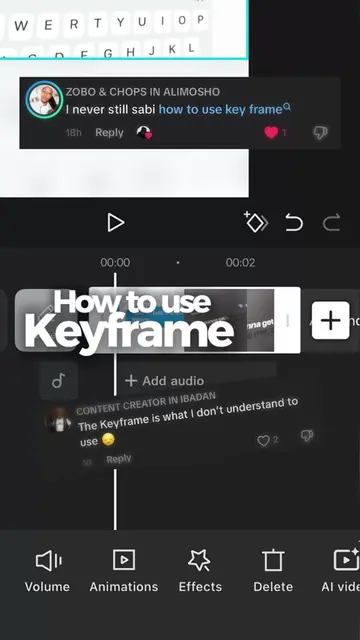
- 5Keyframe the twist for animation
- 6Showcase the final transition
Product placement
CapCut (ACTS - video editing software, used to create the video effect shown. Removing it would change what happens in the video.)
On-screen text
Original caption
Day 5 of the CapCut Series! Note: you’ll need a VPN (connect to a USA server to access those effects). Here is the step-by-step: 1️⃣ Go to Video Effects ➔ Search “Scene Cut”. Place it so the cutout ends right as the clip starts. 2️⃣ Go to Body Effects ➔ Select “Dissolving Glow” at the start of the clip. 3️⃣ Hit Adjust and match the glow color to your shot. 4️⃣ Keyframe the twist: Place a keyframe near the end of the glow effect, then drag the twist slider down to 0 at both the start and end of the effect. 📌 The exact settings I used are dropped in my Instagram broadcast channel! Save this for your next event edit and hit follow so you don’t miss Day 6! 🔥 #capcuttutorial #videoediting #transition
More from @afilmbyicon
Their other posts in the index, biggest breakout first.