Loading video…
All breakouts 2 videos
3.3App DemoHow-To hookConsumer Apps
Hook
Spiral shots made easy
@fotofilmskierski
18.8K followers · usually 7.6K views a post
Views
30.6K
Likes
910
Comments
10
Shares
38
Promoted product
QuickShot Helix
Why it worked
The video effectively showcases a specific, desirable drone camera feature (QuickShot Helix) with clear on-screen text and a concise demonstration, making it easy for viewers to understand its value and how to use it.
Summary
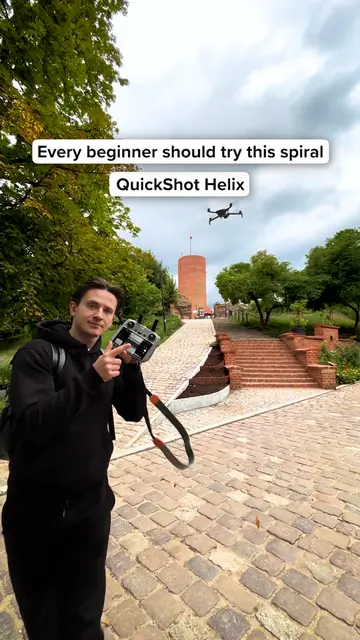
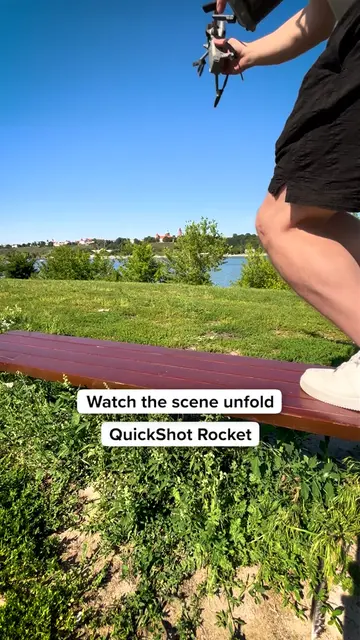
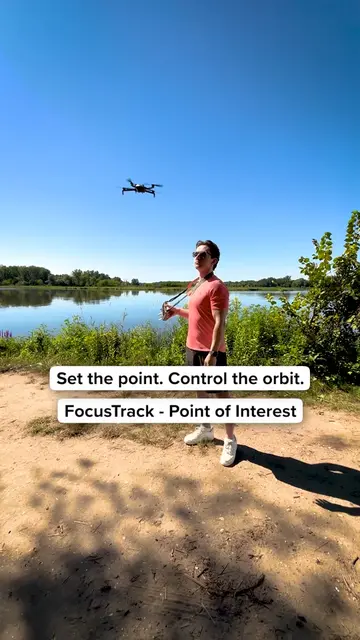
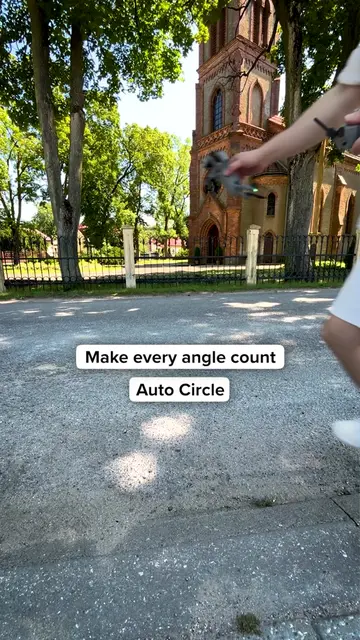
This video demonstrates how to use the QuickShot Helix feature on a DJI drone to easily capture cinematic spiral shots. The feature automatically circles and climbs around a subject with a single tap, resulting in smooth, effortless aerial footage.
Structure
- 1Introduction to the problem (manual spiral shots)
- 2Demonstration of the QuickShot Helix feature on the controller
- 3Visuals of the drone performing the spiral shot
- 4Highlighting the ease and cinematic quality of the result
Product placement
DJI Mini 5 Pro: ACTS - it is the drone being operated to capture aerial footage. Removing it would change what happens in the video.
QuickShot Helix: ACTS - it is a feature of the DJI drone controller that is operated to create a specific type of shot. Removing it would change what happens in the video.
Original caption
Want to create smooth spiral shots without flying manually? The QuickShot Helix automatically circles your subject while climbing, creating a cinematic spiral that’s easy to capture with a single tap. Smooth movement. Effortless results. #dji #djimini5pro #płock #dronevideo #drone
More from @fotofilmskierski
More breakout videos from this creator.