Loading video…
Sound

original sound - tumejorrola.85
ȶʊʍɛʝօʀʀօʟǟ.85 · Original audio
0:00–:––
- Videos using it
- 6
- Creators
- 6
- Views on those videos
- 1.6M
The video provides a clear, concise, and practical demonstration of a specific drone feature, offering immediate value to viewers interested in aerial videography and drone piloting techniques.
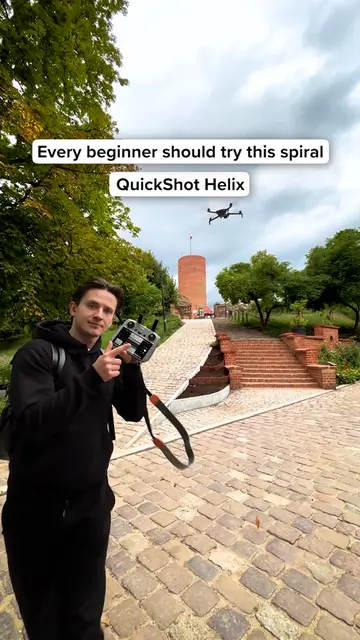
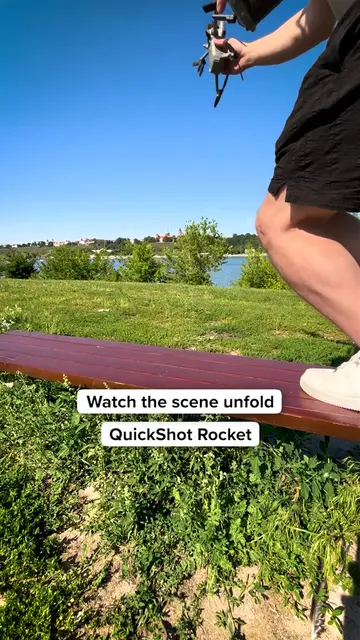
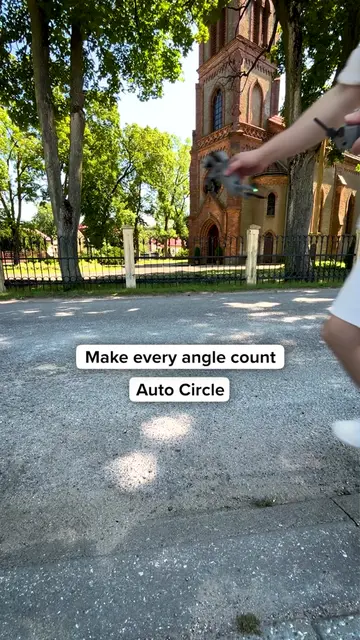
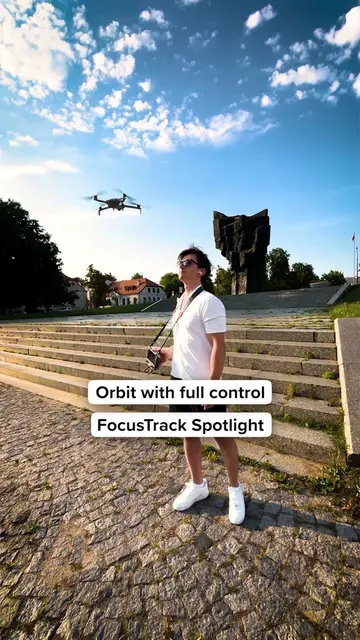
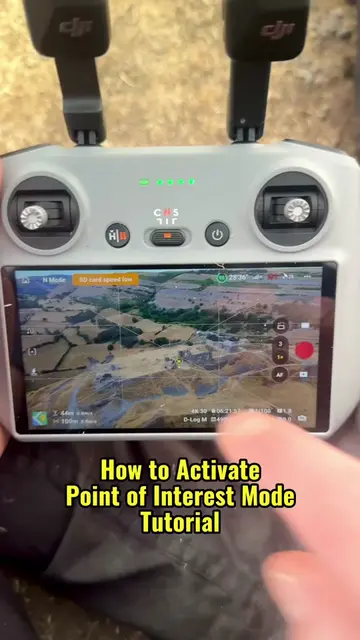
This video demonstrates how to use the DJI FocusTrack Point of Interest (POI) feature to create smooth drone orbits around a subject. The creator shows how to select the subject on the controller screen and then use the directional arrows to initiate and control the orbit speed and direction.
Want more control over your drone orbits? With FocusTrack POI (Point of Interest), you can select your subject and create an orbit by simply tapping the direction arrows on the screen. The farther you move your finger along the arrow, the faster the drone orbits around the subject. In this example, I selected the boat as my Point of Interest and moved the control to the right to create a smooth clockwise orbit. #dji #djimini5pro #płock #dronepilot #aerialvideography
Set the point. Control the orbit.
Introduction to FocusTrack POI
Selecting the subject on the controller
Initiating the orbit with directional arrows
Demonstrating orbit control and speed
Showcasing the resulting cinematic shot
DJI (drone manufacturer, appears as a watermark/logo on the drone controller and is mentioned in the caption and hashtags); DJI Mini 5 Pro (drone model, mentioned in the caption and hashtags)
Promotes 3 products. Create free account to see more.
Outliers and viral hits: their videos on Overshot, all time.
Drone camera feature for filming smooth orbits around a subject
All time.