Loading video…
Sound

caffeine rush
boksed
0:00–:––
- Videos using it
- 3
- Creators
- 3
- Views on those videos
- 919.1K
Hook
Posted Jul 25, 2026Video · 0:24by @alessawaa_
The video provides a practical and visually appealing solution to a common challenge in digital art creation, making complex tasks seem simple and achievable through a specific tool's feature.
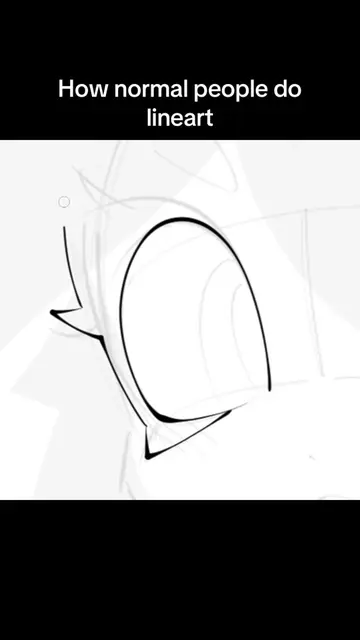
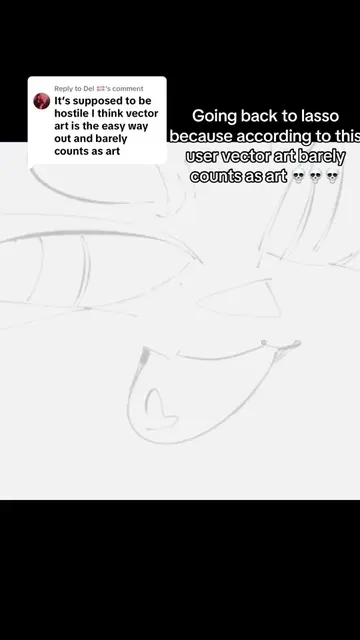
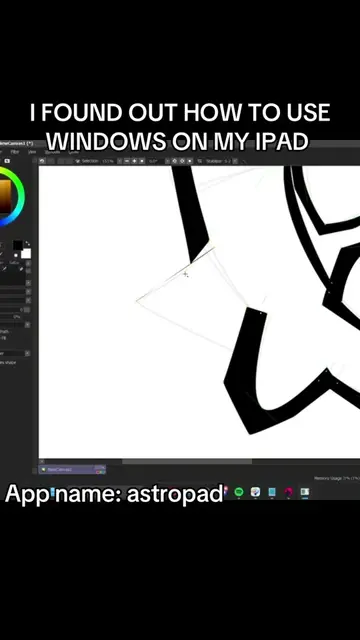
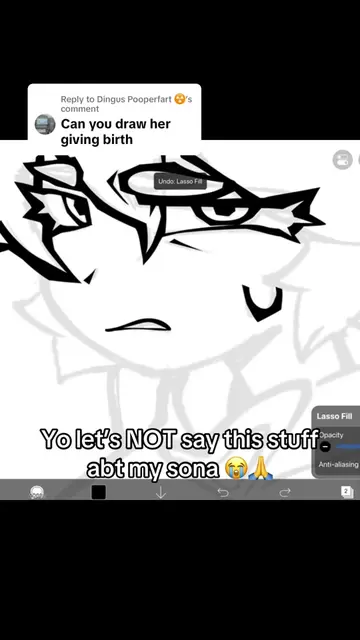
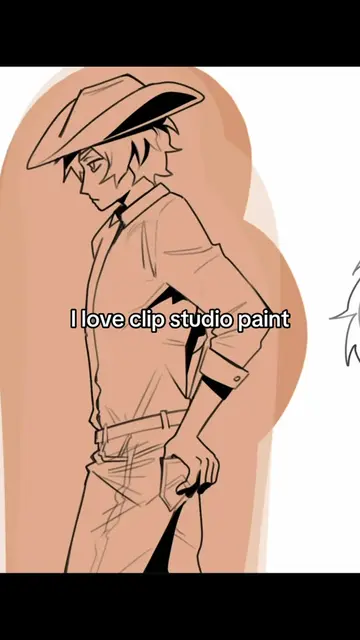
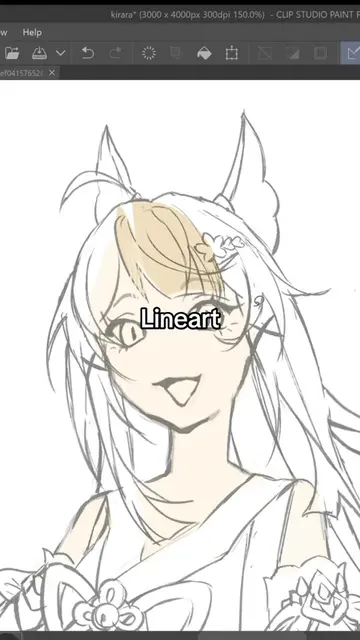
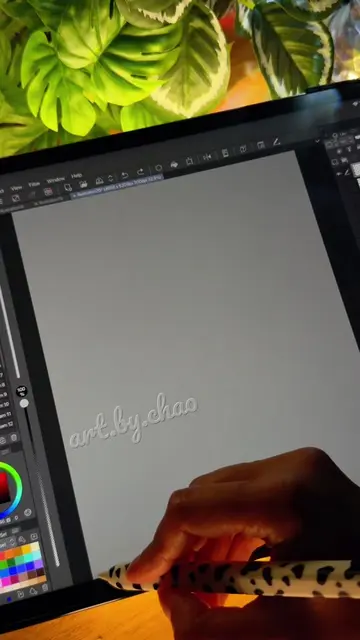
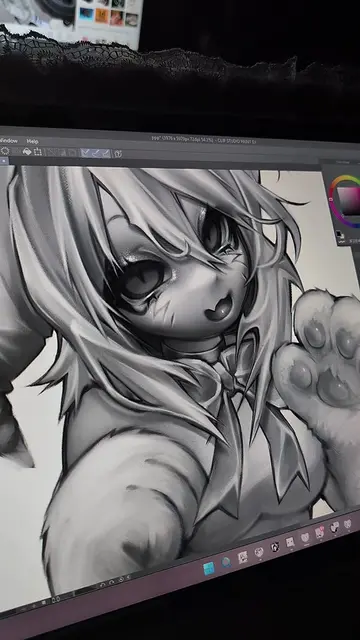
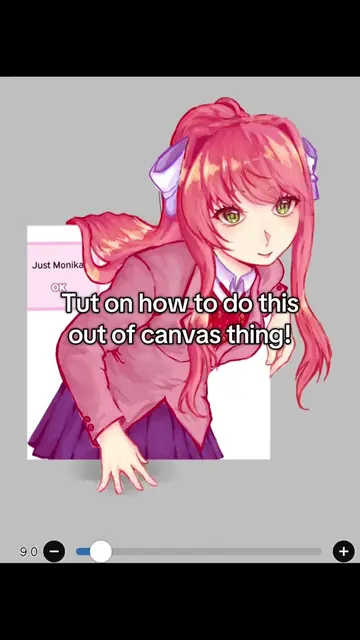
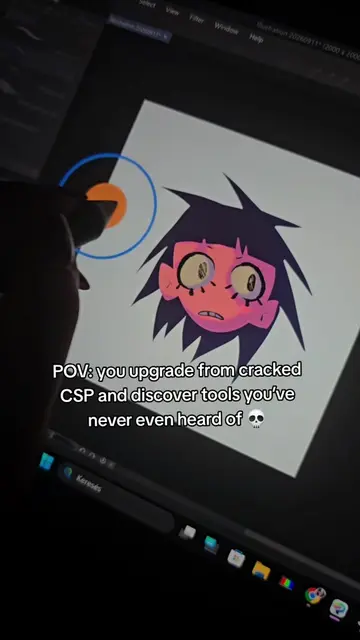
The video demonstrates a "lasso fill tool" technique in Clip Studio Paint to automatically create lineart from a sketch. It explains how to use layers and adjust line width for coloring, emphasizing the importance of separating colors into different layers for a clean result.
Tutorial here! This is done in clip studio, make a sketch of whatever you like, and when it’s done, grab the lasso fill tool! Instead of lining the sketch up, create a regular layer and enable border effect in layer properties. After that start blocking the colors and adjust the line width to your liking! IMPORTANT: each color needs to be in a separate layer, each time u color the head, u make a new layer for the hair, for example, and separate things like so. Have fun y’all! #clipstudiopaint #fyp #digitalart #lassoart #tutorialart
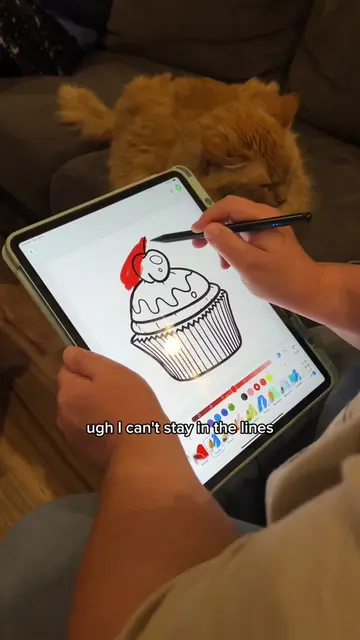
This lasso method makes lineart automatically for you
Introduction to the lasso fill tool method
Demonstration of sketch to lineart conversion
Color blocking and line width adjustment
Explanation of layer separation for colors
Final artwork reveal
Clip Studio Paint: ACTS - it is used to create digital art, specifically lineart and coloring. Removing it would change what happens in the video. #clipstudiopaint: APPEARS - a hashtag, removing it would not change what happens in the video.
Promotes 3 products. Create free account to see more.
Outliers and viral hits: their videos on Overshot, all time.
Digital drawing and painting software for illustrators, comic artists, and animators
All time.