Loading video…
Sound

original sound - ᥱ᥎ᥲᥒgᥱᥣ_іᥒᥱ𐀔.𝗲𝘅𝗲
ᥱ᥎ᥲᥒgᥱᥣ_іᥒᥱ𐀔.𝗲𝘅𝗲 · Original audio
0:00–:––
Playing this video’s own audio, so you’ll hear the creator over the sound.
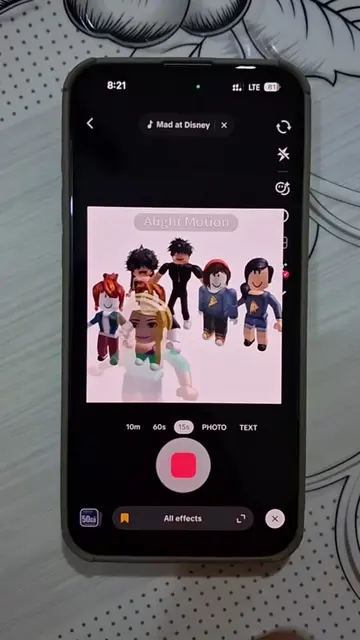
The video provides a clear, step-by-step tutorial for a visually interesting effect, leveraging the popular Alight Motion app. The creator's native mention of the tool and the demonstration of its capabilities likely resonated with users looking for creative editing techniques.
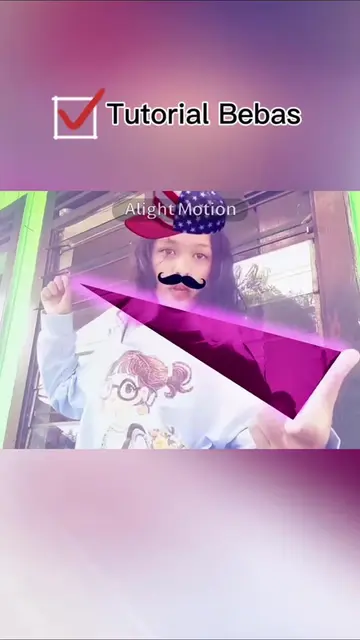
This video demonstrates how to create a visual effect using Alight Motion by manually tracking finger movements and applying various effects. The tutorial guides viewers through the process of drawing shapes, setting keyframes, and experimenting with different visual filters to achieve a desired outcome.
manual tracking tutorial am || #creatorsearchinsights #alightmotion #edit #manualtracking #tutorial || will be doing the 1st and 2nd shapes first since its the most voted one! || . . . . . . . . . . . . . . . . . Manual tracking is a video editing technique where you manually manipulate keyframes frame-by-frame to force an overlay, effect, or the camera view itself to follow a specific moving subject
tutorial for this (first and second shape)
Introduction to the tutorial and the effect
Selecting and drawing shapes in Alight Motion
Manually tracking finger movements with keyframes
Applying effects like threshold and spectral map
Demonstrating the final result and encouraging experimentation
Alight Motion: ACTS - it is the video editing software used to create the effect. Removing it would mean the tutorial could not be followed. It is the primary tool used in the video. Alight Motion: APPEARS - A watermark/logo appears on screen multiple times. Removing it would not change what happens in the video.
Playing this video’s own audio, so you’ll hear the creator over the sound.
Mobile video editing app for creators making animations and video edits
All time.
Promotes 1 product. Create free account to see more.
Outliers and viral hits: their videos on Overshot, all time.