Loading video…
Sound

original sound - boxput
BOXPUT · Original audio
0:00–:––
Playing this video’s own audio, so you’ll hear the creator over the sound.
The video is a straightforward unboxing and setup demonstration of a tech product, which appeals to viewers interested in smart home devices and upgrades. The clear visuals and concise on-screen text make it easy to understand the product's components and initial setup.
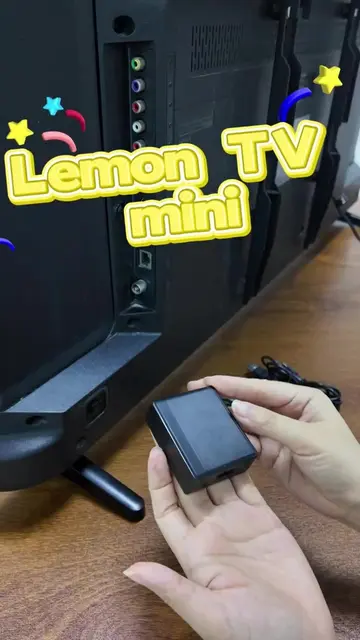
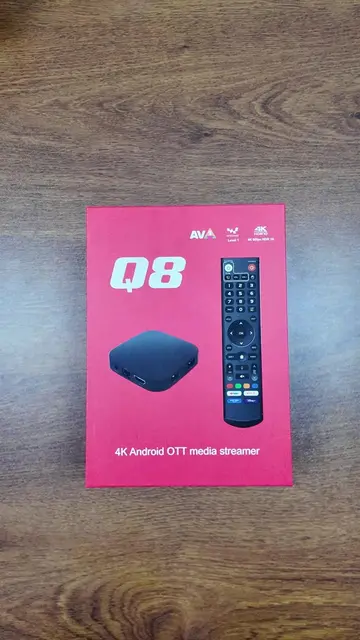
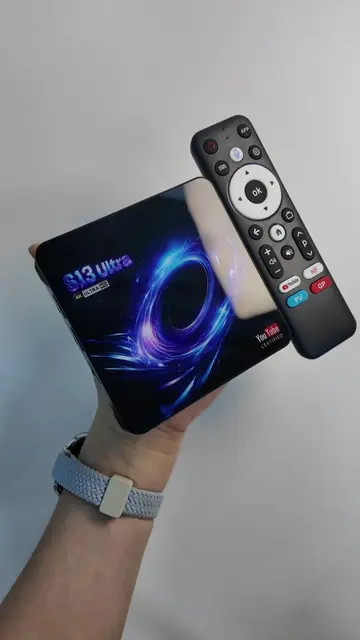
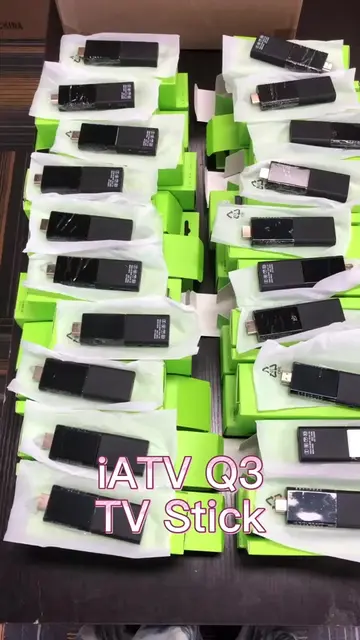
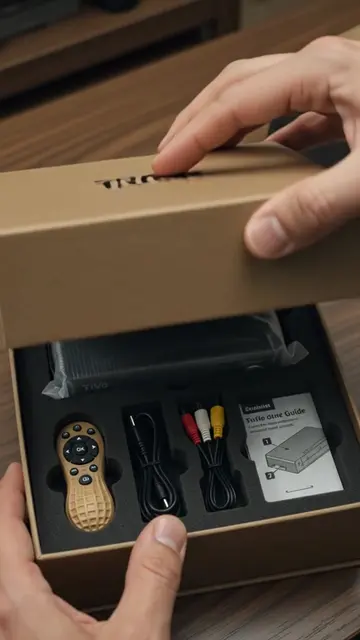
The video showcases the contents of the iATV Stick Q3 box, including the TV stick itself, a remote control, and various cables. It demonstrates how to connect the power cord and HDMI cable to the TV stick.
S984: No New TV Needed… Just Add This Little Device 😎 #Q3TVStick #TVStick #AndroidStick #SmartTVUpgrade #StreamingDevice #4KTV #TechTok #H313Chip #MiniStreaming iATV Stick Q3 2G/16G Android 10.0 H313 BT5.0
BOXPUT
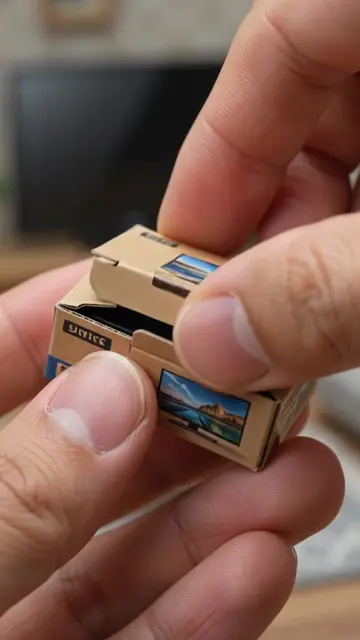
Unboxing the iATV Stick Q3
Showing the remote control
Connecting the power cord
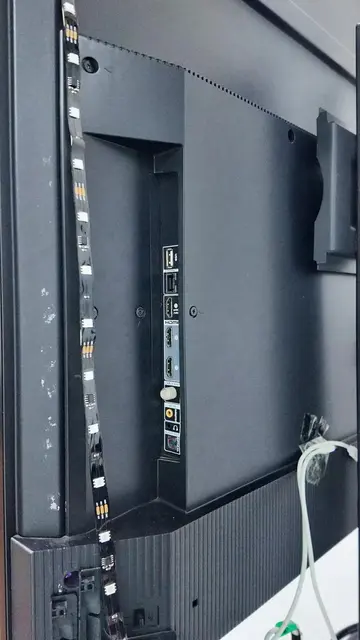
Connecting the HDMI cable
Showing the instruction manual
BOXPUT: This is the name of the creator's brand, which appears as a logo at the top of the screen. Removing it would not change what happens in the video. iATV Stick Q3: This is the name of the product being shown. It is a streaming device. Removing it would change what happens in the video. Android TV Stick: This is a generic description of the product. Removing it would not change what happens in the video. UHD Streaming Device: This is a generic description of the product. Removing it would not change what happens in the video. BT Voice Remote Control: This is a description of the remote control that comes with the product. Removing it would not change what happens in the video. Power cord to connect to TV Stick: This is a description of the power cord. Removing it would not change what happens in the video. HD connection to TV Stick: This is a description of the HDMI cable. Removing it would not change what happens in the video.
Playing this video’s own audio, so you’ll hear the creator over the sound.
Promotes 1 product. Create free account to see more.
Outliers and viral hits: their videos on Overshot, all time.
Streaming TV stick for people watching content on a television
All time.