Loading video…
Sound

original sound - viraltiktokstrategies
viraltiktokstrategies · Original audio
0:00–:––
Playing this video’s own audio, so you’ll hear the creator over the sound.
The video provides a specific, actionable tip for improving TikTok video quality using a trending effect, combined with engagement strategies that leverage the platform's algorithm for increased visibility.
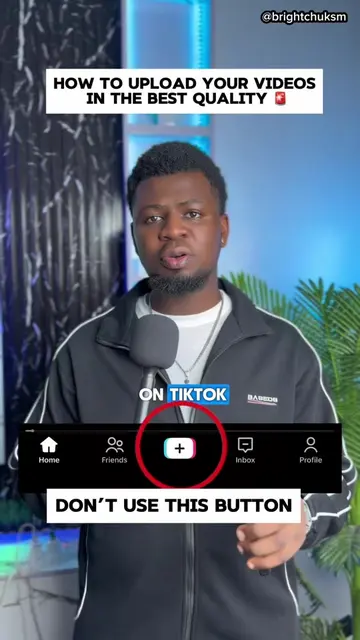
This video explains how to upload TikToks in high quality by using a specific effect called '8K Effect'. The creator advises viewers to search for this effect, save it, and then upload their content through it, emphasizing engagement and resharing to maximize reach.
How to upload your videos on tiktok in high quality #8keffect #tiktoktips #tutorial #tiktokstrategy #plussign
Stop posting the friend's plus sign.
Don't use the standard upload button
Search for the '8K Effect'
Save the effect and upload through it
Add captions, title, and hashtags
Reshare to story after 15 minutes
Engage with the content
TikTok: it is the platform where the video is uploaded and where the user is instructed to use a specific effect. Removing it would change the entire context of the video. 8K Effect: this is an effect within TikTok that the user is instructed to search for and use to upload their videos. Removing it would change the core instruction of the video.
Hit the share button on the video and say repost a video, comment how many followers you got, and let me know if you're going to use it. Like the video, hit the plus sign search you follow me.
Playing this video’s own audio, so you’ll hear the creator over the sound.
TikTok effect for uploading videos in higher quality
All time.
Promotes 2 products. Create free account to see more.
Outliers and viral hits: their videos on Overshot, all time.