Loading video…
All breakouts
4.8App DemoHow-To hookConsumer Apps
Hook
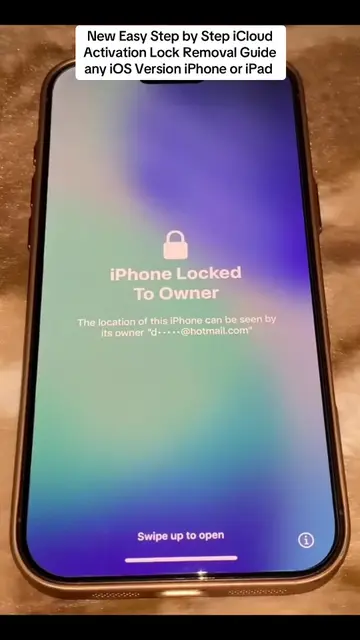
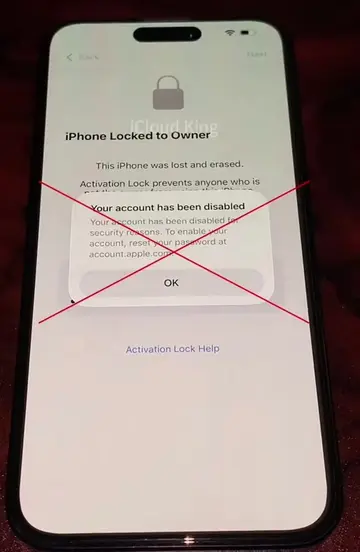
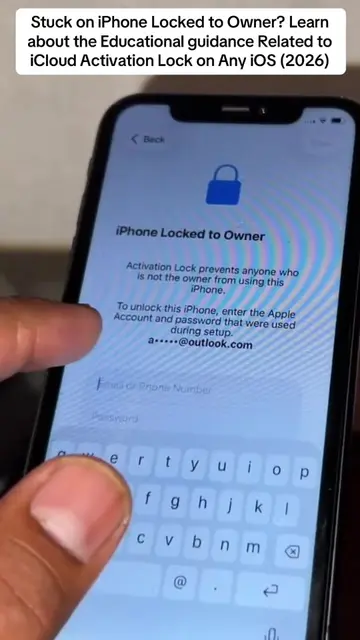
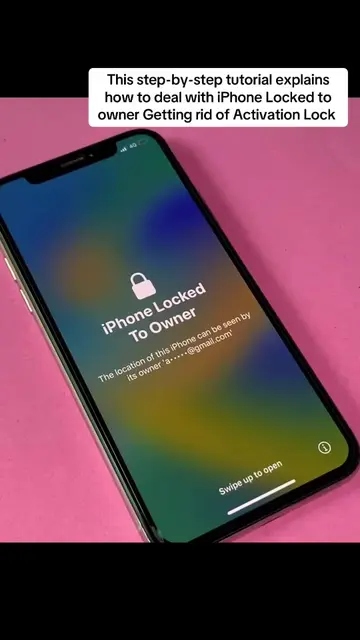
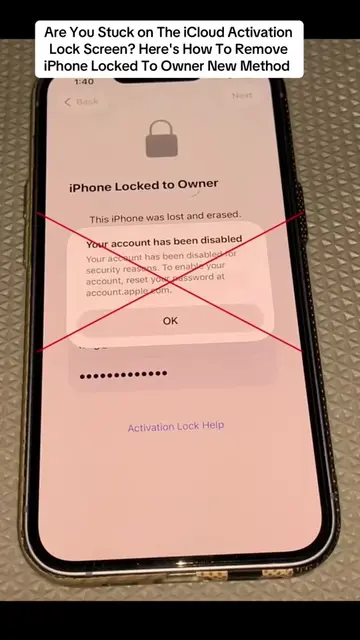
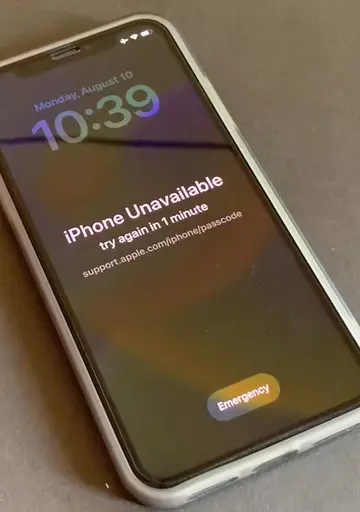
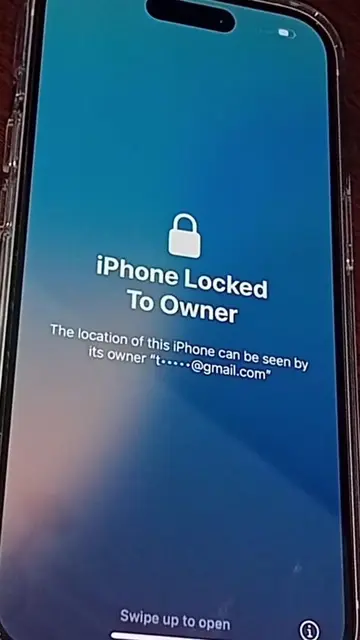
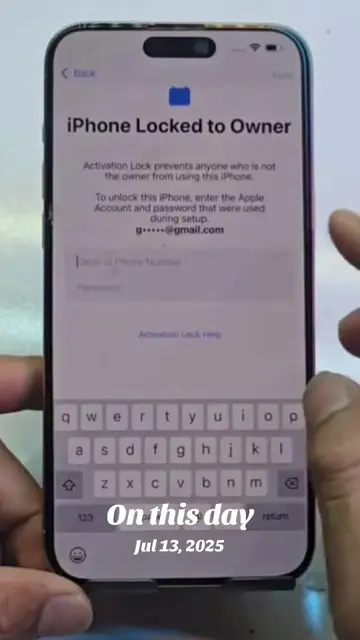
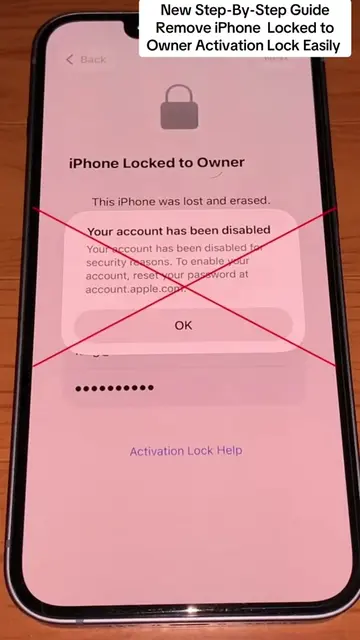
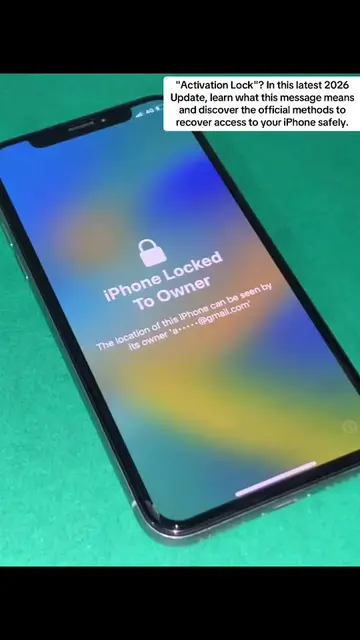
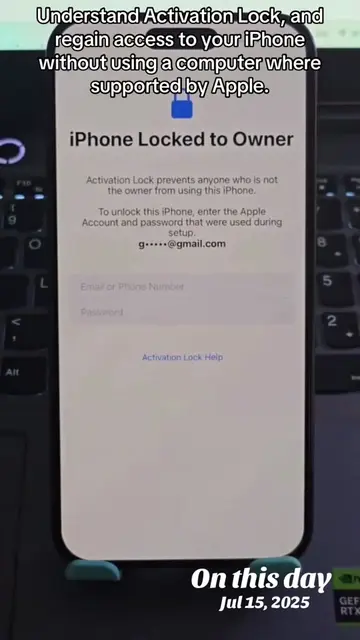
Complete iCloud Activation Lock Guide Easily Resolve iPhone Locked to Owner Screen
@johntechunlocks
36.0K followers · usually 7.9K views a post
Views
37.6K
Likes
677
Comments
14
Shares
56
Why it worked
The video provides a clear, step-by-step guide for a common and often frustrating process (iPhone setup), making it highly searchable and useful for new iPhone users. The visual demonstration of each step ensures clarity and accessibility.
Summary
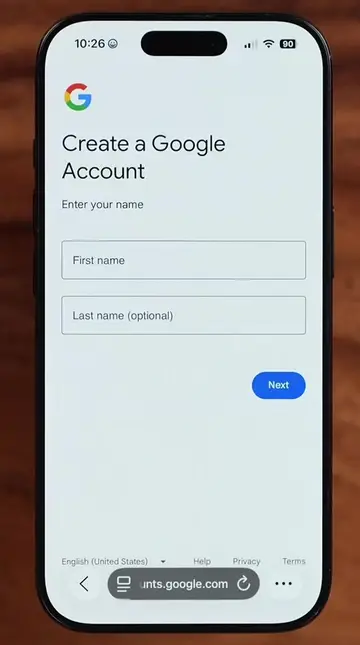
The video demonstrates the initial setup process for an iPhone, including language and region selection, Wi-Fi network configuration, and basic settings like Face ID and passcode creation. It guides the user through various screens of the iPhone setup wizard.
Structure
- 1Start iPhone setup
- 2Select language and region
- 3Connect to Wi-Fi
- 4Configure settings (Face ID, passcode)
- 5Review privacy and analytics
- 6Complete setup
On-screen text
Complete iCloud Activation Lock Guide Easily Resolve iPhone Locked to Owner Screen
Original caption
Complete iCloud Activation Lock Guide Easily Resolve iPhone Locked to Owner Screen #TechTips #iphonetips #activationlock #ios #shorts
More from @johntechunlocks
More breakout videos from this creator.