Loading video…
Sound

original sound - zahoor_editz_
Zahoor Editz · Original audio
0:00–:––
Playing this video’s own audio, so you’ll hear the creator over the sound.
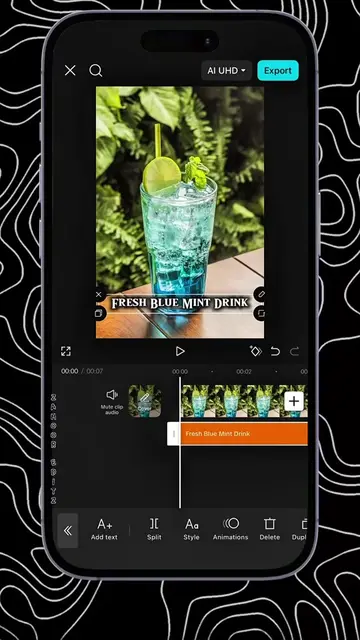
The video provides a clear, step-by-step tutorial on a specific video editing technique (seamless transitions) using a popular app (CapCut). This practical, problem-solving content appeals to users looking to improve their video editing skills, making it highly shareable and engaging within the target audience.
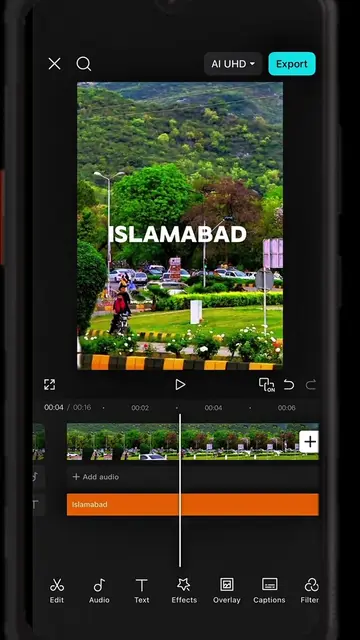
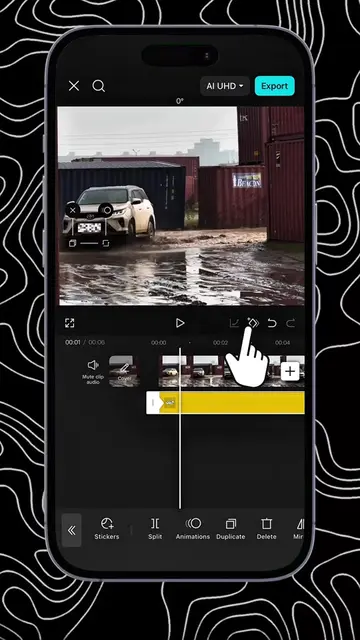
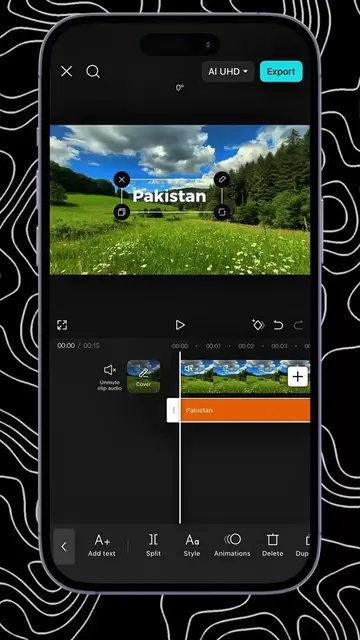
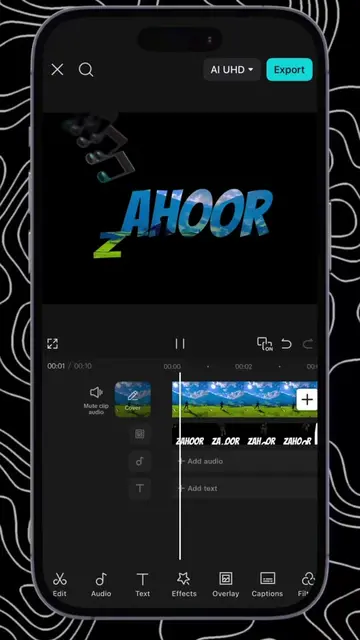
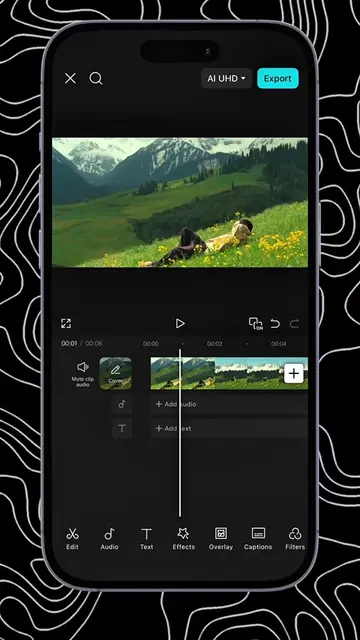
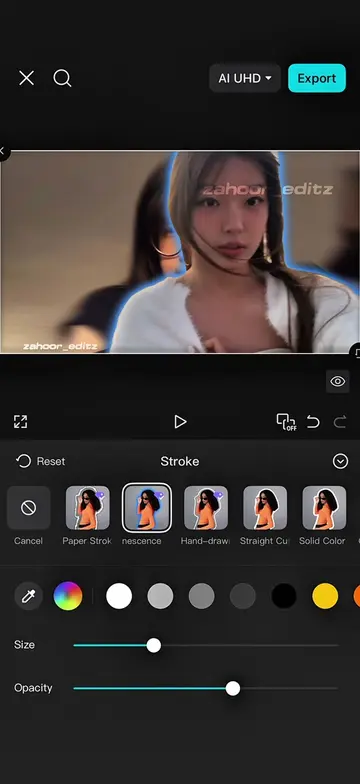
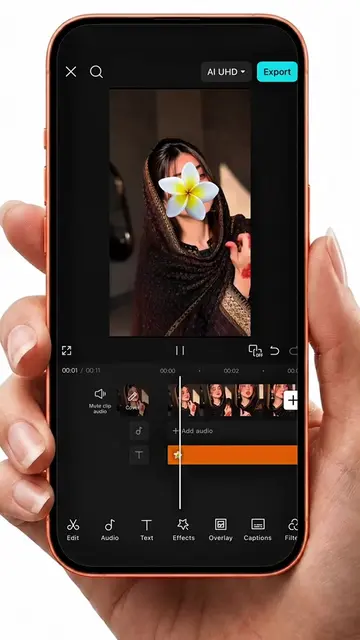
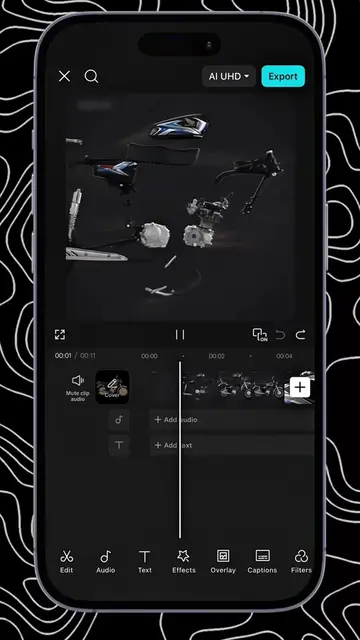
This video demonstrates how to create a professional, seamless transition effect in CapCut using the overlay and mask features. The tutorial guides viewers through adding a second clip as an overlay, applying a rotated horizontal mask, and using keyframes to animate the mask's position for a smooth blend between clips.
How to create travel transition in CapCut- CapCut useful features keyframe and mask #capcutpioneer #capcut #capcutpioneer #toturial #tiktokgrowthchallenge
दो क्लिप्स को सिर्फ जोड़ने से
Introduce the problem of ordinary transitions
Add a second clip as an overlay
Apply and rotate a horizontal mask with feathering
Use keyframes to animate the mask for a smooth transition
Showcase the final seamless transition effect
CapCut: video editing app. It ACTS by allowing users to edit videos, add effects, and create transitions. Removing it would fundamentally change the video's content and purpose. It is promotional because the video demonstrates its features. WhatsApp channel: a communication platform. It APPEARS as a link in the creator's bio and is mentioned in the on-screen text. Removing it would not change what happens in the video.
Paid course kiliye inbox main ''course'' likho
Playing this video’s own audio, so you’ll hear the creator over the sound.
Video editing app for creators making social media videos
Views and creators: posted in the last 30 days (English videos). Videos: all time.
Promotes 1 product. Create free account to see more.
Outliers and viral hits: their videos on Overshot, all time.