Loading video…
Sound

original sound - ezcapcut
ezcapcut · Original audio
0:00–:––
The video provides a clear, step-by-step tutorial for a visually appealing editing effect that is popular on platforms like TikTok. The use of on-screen text and clear demonstrations makes it easy to follow, encouraging viewers to replicate the effect themselves.
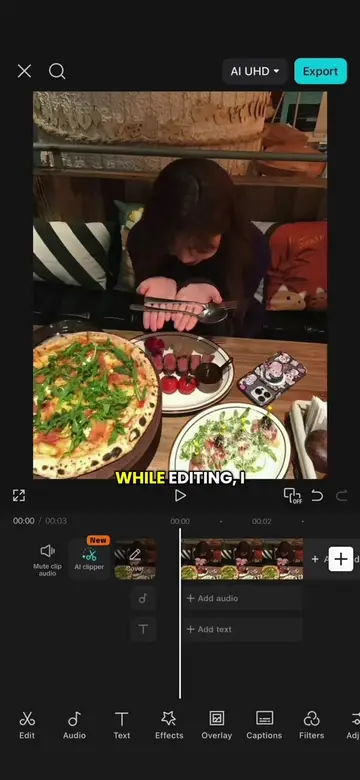
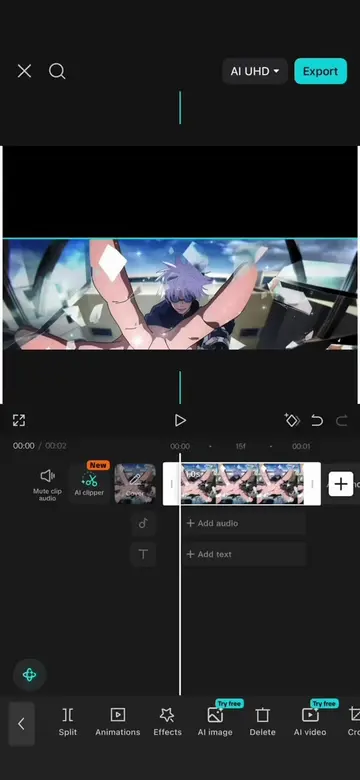
This video tutorial demonstrates how to create a "memory flash photo effect" using CapCut. It shows how to manipulate image duration, rotation, transitions, motion blur, and overlay effects to achieve a dynamic visual style.
Episode 25: Memory Flash Photo Effect Tutorial #CapCut #capcutpioneer #videoedit #animeedit #tutorial
WHILE EDITING, I
Shorten photo clips and add rotation/scaling.
Duplicate clips and swap images.
Apply 'Mix' transition.
Add motion blur effect.
Create a freeze frame overlay and isolate the subject.
Add stroke effects and final touches.
CapCut (video editing app) - ACTS: The video demonstrates how to use CapCut to edit a video, showing its interface and features like "AI remover", "Rotate", "Mix transition", "Motion blur", and "Remove background". Removing it would change what happens in the video.
Promotes 1 product. Create free account to see more.
Outliers and viral hits: their videos on Overshot, all time.
Video editing app for creators making social media videos
Views and creators: posted in the last 30 days (English videos). Videos: all time.