Loading video…
All breakouts
28.8App DemoOther hookEducation
Hook
Meet My VS Code Pets!
@softwaregeek2
46.2K followers · usually 2.0K views a post
Views
49.3K
Likes
1.3K
Comments
14
Shares
87
Promoted product
VS Code Pets
Why it worked
The video leverages a niche but engaging feature within a popular developer tool, appealing to a sense of fun and personalization among software engineers. The "native mention" style of promotion, where the product is integrated into content about the tool itself, makes it feel less like an advertisement and more like a discovery.
Summary
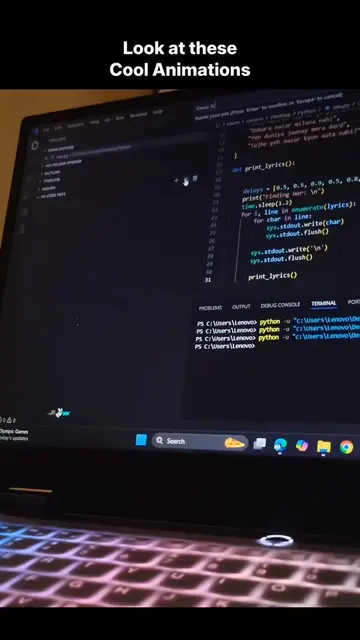
The video showcases the "VS Code Pets" extension, which allows users to have virtual pets within their VS Code editor. It demonstrates how to install the extension and then shows various pets appearing and interacting within the coding interface.
Structure
- 1Introduction to VS Code Pets
- 2Navigating to Extensions
- 3Searching for and installing VS Code Pets
- 4Demonstrating the pets in the editor
- 5Showing different pet types
Original caption
Vs code pets extension tricks #vscodes #vscodeextension #foryoupage #computerscience #softwareengineer
More from @softwaregeek2
More breakout videos from this creator.