Loading video…
All breakouts
45.6App DemoOther hookEducation
Hook
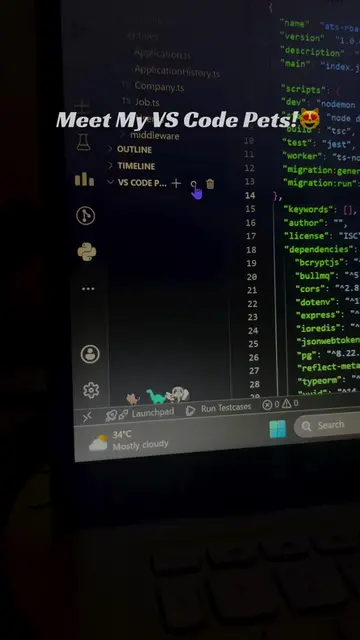
Look at these Cool Animations
@softwaregeek2
46.2K followers · usually 2.0K views a post
Views
67.5K
Likes
2.6K
Comments
11
Shares
246
Promoted product
VSCode Pets
Why it worked
The video effectively uses a native mention strategy by showcasing a fun and engaging feature within a commonly used developer tool (VS Code). The visual appeal of the animated pets and the clear, step-by-step instructions make it easily digestible and shareable content for developers looking to personalize their workspace.
Summary
The video demonstrates how to add animated pets to the VS Code editor. It guides the viewer through opening VS Code, navigating to the extensions tab, searching for 'VSCode Pets', installing the extension, and then spawning pets by clicking a '+' icon and selecting the desired pet.
Structure
- 1Showcase cool animations
- 2Open VS Code editor
- 3Click on Extensions Tab
- 4Search for VSCode Pets
- 5Install the extension
Original caption
Cool animation trick in vs code #vscode #vscodeextension #softwareengineer #tipsandtricks #foryoupage
More from @softwaregeek2
More breakout videos from this creator.