Loading video…
Sound

original sound - learn.with.promis
learn with promise · Original audio
0:00–:––
Playing this video’s own audio, so you’ll hear the creator over the sound.
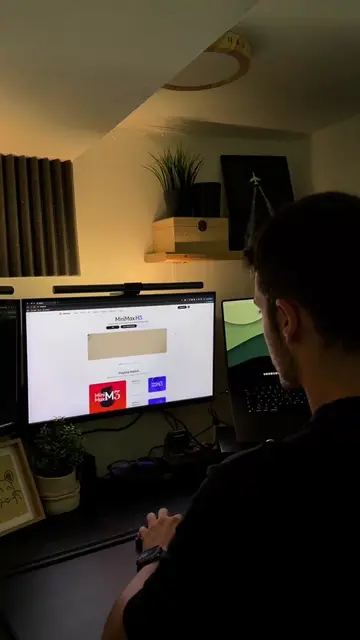
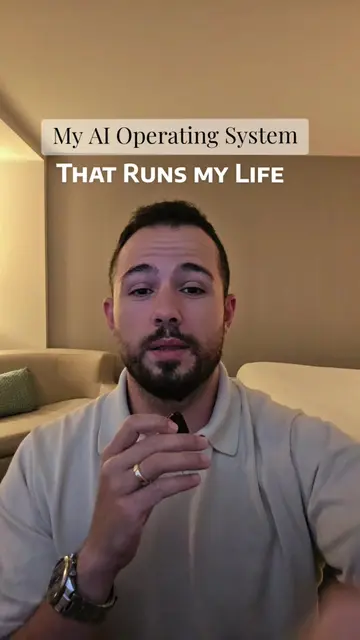
The video effectively showcases a practical solution to a common pain point for creators and professionals: maintaining productivity and workflow continuity when away from their primary workstation. By demonstrating the seamless remote control and cross-device functionality of MiniMax Code, it appeals directly to the target audience's need for efficiency and flexibility.
The creator demonstrates how MiniMax Code helps manage creative projects by allowing users to plan and control tasks from their phone, even when away from their desk. This seamless workflow across devices is presented as a highly useful tool for creators, founders, and anyone who spends a lot of time working on their computer.
Your workflow shouldn’t stop just because you left your desk 💻📱 This changed how I plan content. #MiniMax #MiniMaxM3 #MiniMaxCode
ALMOST CREATIVE
Introduction to creative workflow challenges
Demonstration of MiniMax Code for planning and organization
Connecting phone to computer for remote control
Highlighting the benefits of continuous workflow
Call to action for viewers to try the tool
MiniMax Code: ACTS - it is an application that helps users plan and manage their creative projects, allowing them to connect their phone to their computer for remote control and workflow management. Removing it would change what happens in the video. MiniMax M3: ACTS - it is a version or feature of MiniMax Code that allows users to control computer tasks from their phone. Removing it would change what happens in the video. DE Cafe: APPEARS - it is a logo on a coffee cup. Removing it would not change what happens in the video.
Comment "REMOTE" in the comment section and I'll send the link directly to your DM.
Playing this video’s own audio, so you’ll hear the creator over the sound.
Promotes 2 products. Create free account to see more.
Outliers and viral hits: their videos on Overshot, all time.
AI coding and productivity tool for automating work and managing creative projects
All time.