Loading video…
Sound

original sound - prehenryfordcutuglagua
PreHenryFord Cutuglagua · Original audio
0:00–:––
Playing this video’s own audio, so you’ll hear the creator over the sound.
Hook
Posted Jul 29, 2026Video · 1:19by @prehenryfordcutuglagua
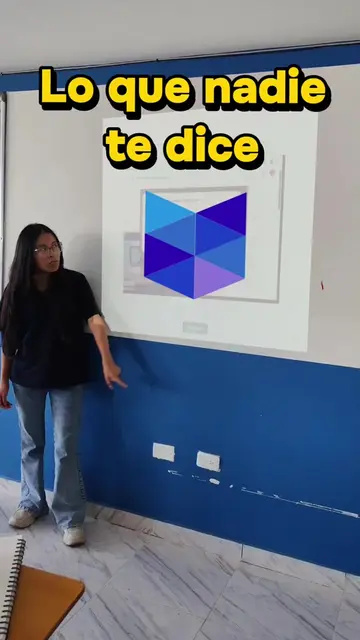
The video addresses a common pain point for students taking online exams, providing clear, actionable steps and a direct solution. The inclusion of a phone number for further assistance caters to those needing extra support, making it highly relevant and useful.
This video explains how to prepare for an exam using the Proctorizer extension for Google Chrome, emphasizing the need to disable other AI extensions. It also provides instructions on how to check for and remove unwanted extensions before the exam.
📚😉🖥️ UEB #prehenryford #bolivarista💙💙💙 #guaranda_bolivar_ecuador🇲🇫🇪🇨 #ecuador #bolivarguaranda
Proctorizer extension for Google Chrome
Introduction to Proctorizer extension for exams
Download and installation process
Pre-exam checks: disabling AI extensions
How to manage extensions in Chrome
Consequences of not preparing
Call to action for personalized help
Proctorizer extension for Google Chrome: ACTS - it is an extension for Google Chrome that is required to take an exam. Removing it would change what happens in the video. Google Chrome: ACTS - it is a web browser used to download and install the Proctorizer extension and to take the exam. Removing it would change what happens in the video. ChatGPT: APPEARS - mentioned as an example of an AI extension that should not be installed. Removing it would not change what happens in the video. Gemini: APPEARS - mentioned as an example of an AI extension that should not be installed. Removing it would not change what happens in the video.
escríbeme al DM
Playing this video’s own audio, so you’ll hear the creator over the sound.
Online exam-proctoring software for educational institutions
All time.
Promotes 4 products. Create free account to see more.
Outliers and viral hits: their videos on Overshot, all time.