The post addresses a common pain point for AI users (token limits) with a clear, actionable solution and a tangible benefit (71.5x reduction). It breaks down the process into simple steps and offers a bonus visualization, making it highly valuable and shareable.
Summary
This post explains how to reduce token usage with Claude by using a tool called Graphify to create a map of your files. It outlines three steps: installing the Graphify skill, building the map, and adding rules to your Claude settings. A bonus section shows how to visualize your project in 3D using Obsidian.
Structure
1Introduction: Claude + Obsidian = 71.5x fewer tokens
2The problem: Claude starts from zero, draining tokens
3
Original caption
71.5x token usage reduction with this new way of using Claude Code. Stop burning through your limits. I slashed context consumption by 71.5x using Andrej Karpathy's new structure. Grab the free step-by-step guide via the link in my bio.
More from @theromanknox
More breakout videos from this creator.

The fix: Build a map of your files with Graphify
4Step 1: Install the Graphify skill
5Step 2: Build your map
6Step 3: Add rules to your settings
7Bonus: See it in 3D with Obsidian
Product placement
Claude: an AI chatbot that processes natural language and can be used for coding and other tasks. It acts by processing user input and generating responses. Removing it would change the topic of the video. Obsidian: a free app used for note-taking and knowledge management. It acts by allowing users to organize and visualize their notes and project files. Removing it would change the video's bonus content. Graphify: a tool that scans files and creates a map for AI models to read. It acts by processing files and generating a map, saving tokens. Removing it would change the video's core solution. BRAT community plugin: a plugin for Obsidian. It acts by enabling the installation of other plugins. Removing it would change the bonus setup instructions. 3D Graph plugin: a plugin for Obsidian. It acts by visualizing project files in 3D. Removing it would change the bonus visualization. Claude.md: a configuration file for Claude. It acts by storing settings that influence Claude's behavior. Removing it would change how Claude uses the map.
Call to action
Grab the free step-by-step guide via the link in my bio.
On-screen text
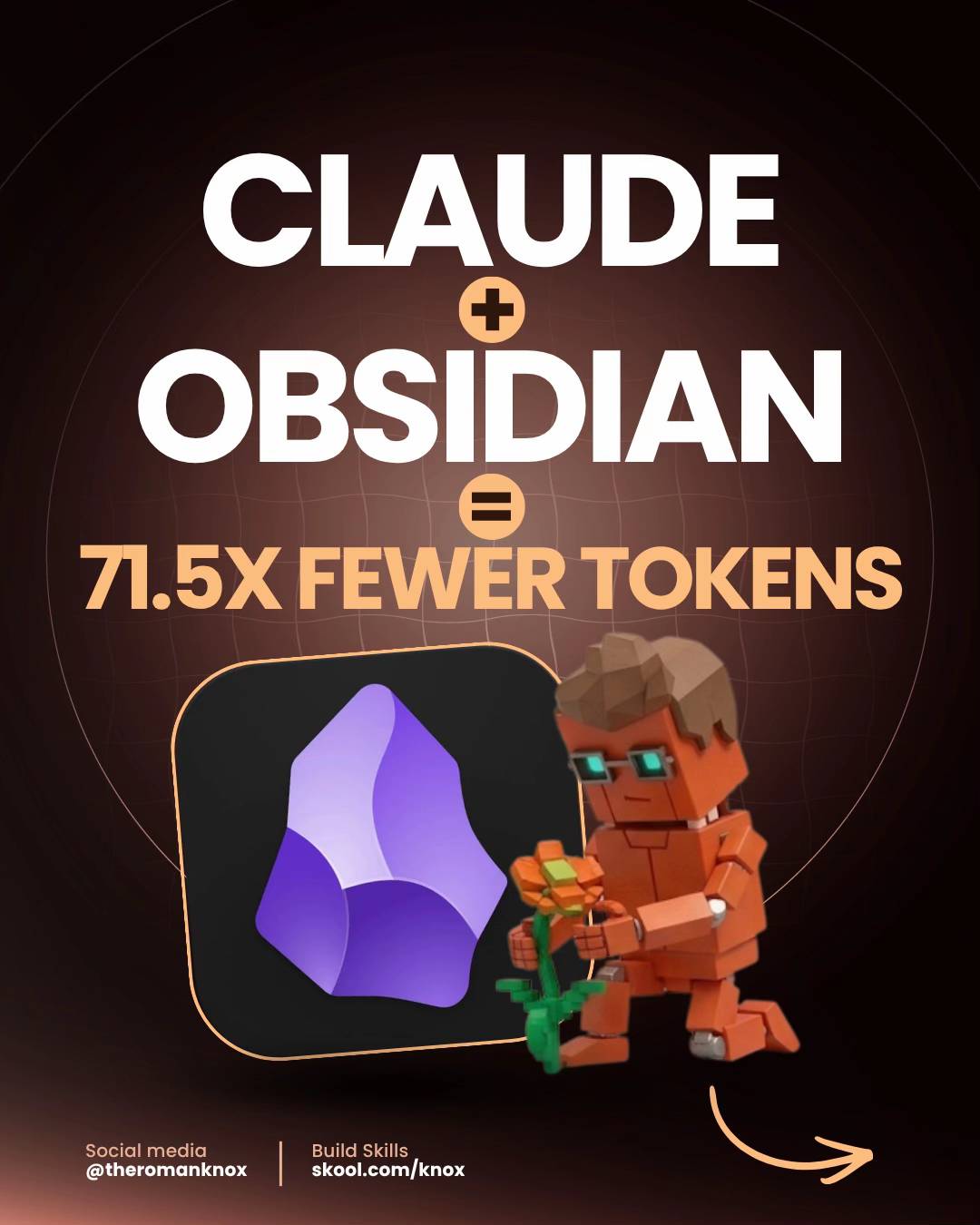
CLAUDE
+
OBSIDIAN
=
71.5X FEWER TOKENS
Social media
@theromanknox
Build Skills
skool.com/knox
The problem
Claude starts
from zero
Each time you launch a new chat, Claude
reloads all your files from the beginning.
That drains your token budget before you
even get to work.
$ new chat opened
→ loading file 1 of 37...
→ loading file 2 of 37...
→ 20,000 tokens gone. no questions
asked yet.
Social media
@theromanknox
Build Skills
skool.com/knox
1/6
swipe
The fix
Build a map
of your files
A free tool called Graphify scans your files
once and creates a map. After that, Claude
reads the map instead of re-reading every
single file.
$ graphify scan
→ 37 files → one simple map
→ ask questions in plain English
✓ no more re-reading everything
Social media
@theromanknox
Build Skills
skool.com/knox
2/6
swipe
Step 01:
Install the
skill
Check it out here:
github.com/safishamsi/graphify (Public)
• Converts your code into a structured map
• Claude understands the structure, not every line
• Saves up to 71.5x tokens per session
Social media
@theromanknox
Build Skills
skool.com/knox
3/6
swipe
Step 02:
Build your
map
Run a single command to scan all your
Claude files and create a map. This way,
Claude already knows your setup before
you ask anything.
$ /graphify ~/.claude
→ scanning your files...
→ building your map...
✓ done! Claude now knows your setup
Social media
@theromanknox
Build Skills
skool.com/knox
4/6
swipe
Step 03:
Add this to
your settings
Paste these three rules into your Claude.md
file. This ensures Claude uses the map first
instead of re-reading all your files.
Add to your Claude.md:
## Context navigation
1. Always query the knowledge graph first
2. Only read raw files if I explicitly s
3. Use graphify-out/wiki/index.md
Social media
@theromanknox
Build Skills
skool.com/knox
5/6
swipe
Bonus
See it in 3D
Download Obsidian (free app), open your
project folder, and install the 3D Graph
plugin. You'll be able to view your entire
project as a spinning 3D map.
Free Obsidian setup:
$ open obsidian
→ install BRAT community plugin
→ add 3D Graph (v2.4.1)
→ your project = a 3D galaxy
Social media
@theromanknox
Build Skills
skool.com/knox
6/6
swipe