Loading video…
All breakouts
5.2App DemoDirect Question hookCreator Economy
Hook
YOU HAVE
@tambermusic
4.9K followers · usually 95.5K views a post
Views
476.3K
Likes
567
Comments
13
Shares
13
Promoted product
Librarianhttps://tamber.music/ ↗
Why it worked
The video effectively showcases a practical solution to a common problem for music producers, using a clear and concise demonstration of the Librarian tool's functionality. The "free download" call to action and the creator's relatable "producer tok" content likely contributed to its reach.
Summary
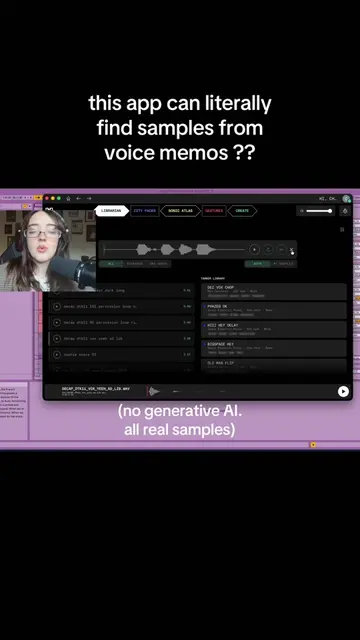
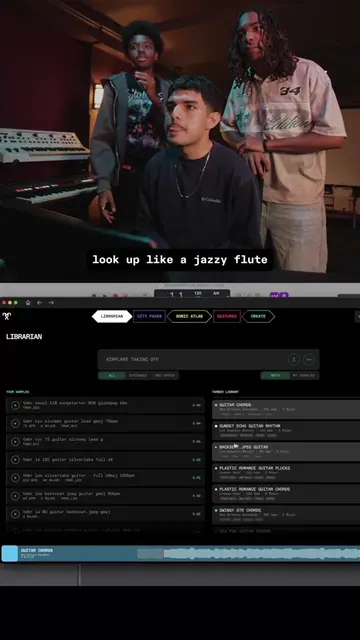
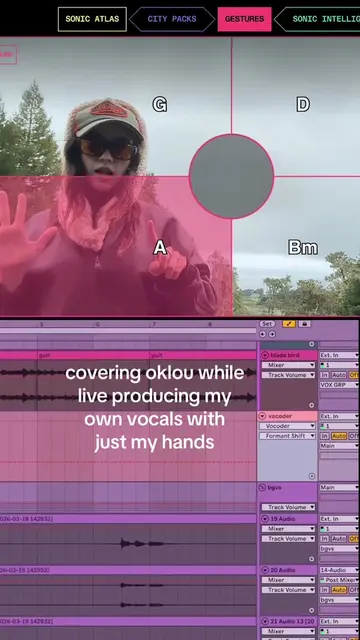
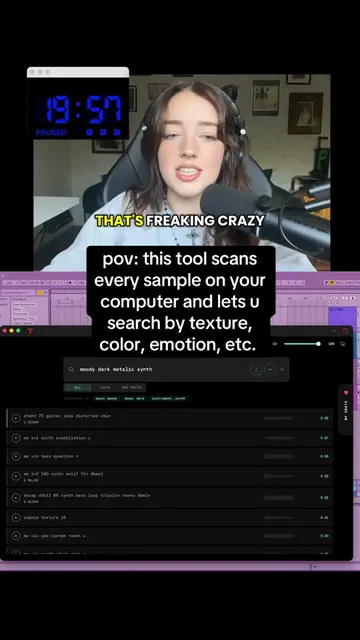
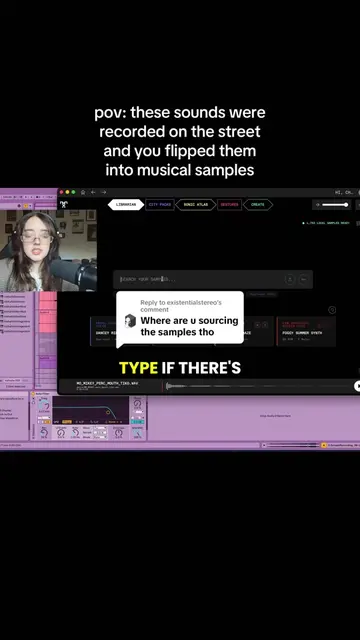
This video demonstrates how to use the Librarian tool to find and organize audio samples for music production. The creator shows the process of searching for specific sounds, listening to them, and dragging them into a digital audio workstation.
Structure
- 1Identify the problem: needing specific sounds
- 2Introduce the solution: Librarian tool
- 3Demonstrate searching and listening
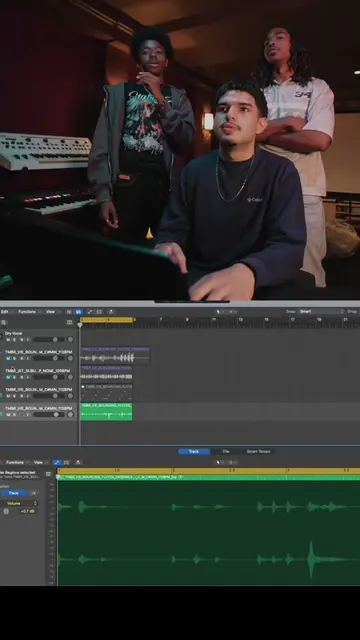
- 4Show dragging samples into the DAW
- 5Highlight the 'Spotlight for Samples' feature
- 6Call to action: Download Librarian
Product placement
Librarian: ACTS - it is a tool for searching and organizing audio samples. Removing it would change what happens in the video. It is the main subject of the video. Tamber: APPEARS - it is the creator's website, mentioned in the bio link. Removing it would not change what happens in the video.
Original caption
my friends and I made this fully FREE tool. download rn 👀 (windows coming next week) #producertok #flstudio #samples #producer
More from @tambermusic
More breakout videos from this creator.