Loading video…
Sound

original sound - ezcapcut
ezcapcut · Original audio
0:00–:––
The video provides a clear, step-by-step tutorial for a visually appealing video effect that is popular on platforms like TikTok. The use of beat synchronization with the visuals makes the content dynamic and engaging, which is a common driver of virality.
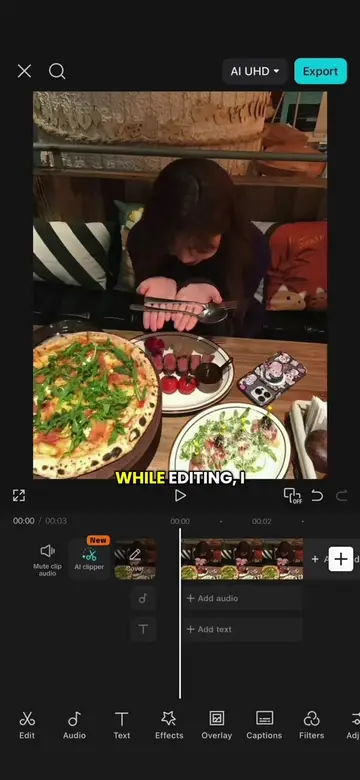
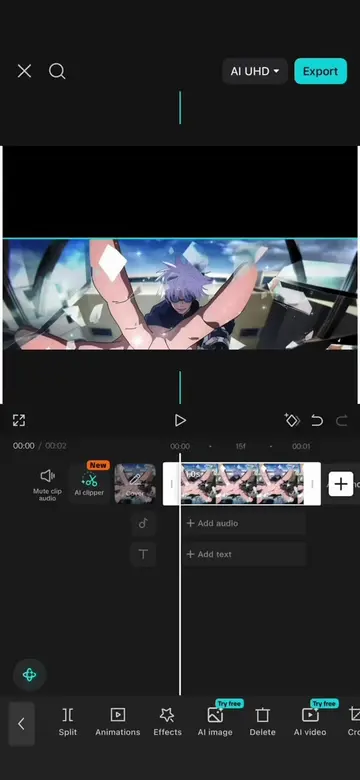
This video demonstrates how to create a multi-panel beat sync effect using CapCut. It involves spacing text to divide the screen, layering sky clips, masking and rotating them, and then using keyframes to animate brightness and contrast for a flashing transition.
Episode 28: Multi Panel Beat Sync Tutorial #CapCut #capcutpioneer #videoedit #travel #tutorial
while editing, I
Divide screen into six sections by spacing text.
Layer sky clips and mask them to fit between text sections.
Import audio and add beat markers.
Split overlays at beat markers and replace clips.
Animate brightness and contrast using keyframes for a flashing transition.
CapCut: video editing software. It ACTS as the tool used to create the video. Removing it would change what happens in the video. AI UMD: Appears to be a watermark or branding on the export screen. Removing it would not change what happens in the video.
Promotes 1 product. Create free account to see more.
Outliers and viral hits: their videos on Overshot, all time.
Video editing app for creators making social media videos
Views and creators: posted in the last 30 days (English videos). Videos: all time.