Loading video…
All breakouts
32.4App DemoOther hookCreator Economy
Hook
BARCODE SCAN PART 1
@artsy.nartsy
6.7K followers · usually 1.3K views a post
Views
40.1K
Likes
2.6K
Comments
32
Shares
302
Summary
This video demonstrates how to set up a simple Point of Sale (POS) system for small business owners, focusing on using a barcode scanner and the Loyverse POS app. It covers generating barcodes, adding items to the POS system, and scanning items for transactions.
Transcript
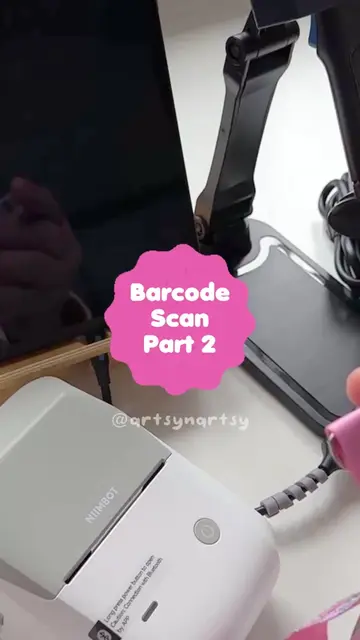
How to set up simple POS system especially for small business owner yang berniaga di bazaar or booth. I takde la inventori barang mcm kedai or pasaraya, tapi kadang2 I pening and overlooked ngan products I especially bila umur da semakin meningkat. Ahaks. So I nak cari cara yang memudahkan bukan je utk I tapi juga utk pekerja2 unpaid I (husband). I’m not saying this is the best way tapi for me good enough and memudahkan kerja I. -Barcode scanner brand Sumico. -Barcode generator. Okay let's start with the items first. This is a Balm Container. Flower. BC0215. This is a barcode scanner. This brand is Sumico. RM39. Adapter to connect USB to my tablet port. Thermal printer. I will explain in video part two. Sticker roll. Sticker size according to the size needed. Tablet, phone or laptop that is connected with the barcode scanner. And barcode scanner holder. First, open website for barcode generator. Then choose symbology that you want to use. I prefer use Code 128. After that, go to barcode value. This is up to you how you want to code your item. For me, I just put initial name of the item, number of sequence and also the price digit. I don't want fancy fancy, the important is I know the code and number. Okay, now we generate barcode image. So this is the barcode image. So you can download the image and then print out for sticker price. Now, let's open Loyverse. Loyverse is a free app, you know. But it also has a paid version. But the free version is good enough. You can input all the barcodes. Now we add new item. And then we input the details like product name, category, sold by each or weight, price and also SKU number. Okay, when all is done, we can scan the barcode image that we generated earlier. So it will automatically input into the system as a code number. Then we choose image. And then we save. So this is the item details. Now let's try. After print sticker tag, attach to the item and then we scan. So the details of the item will be in the ticket. Then we charge according to the method of payment that is paid by the customer. Okay, see you in part two to see how I use with thermal printer.
Original caption
Cara-cara untuk memudahkan urusan pengiraan dan pembayaran ketika berniaga di booth/bazaar khas utk small business owner. I takde la inventori barang mcm kedai or pasaraya, tapi kadang2 I pening and overlooked ngan products I especially bila umur da semakin meningkat. Ahaks. So I nak cari cara yang memudahkan bukan je utk I tapi juga utk pekerja2 unpaid I (husband). I’m not saying this is the best way tapi for me good enough and memudahkan kerja I. -Barcode scanner brand Sumico. -Barcode generator I guna at website MobileDemand (free) -Loyverse apps (free version) -Tablet, u can use Ipad, phone or laptop tapi make sure ada adapter utk sambungkan from USB to your port. For ipad pls google dulu sbb I beli adapter usb-usb c tp takleh guna. -Thermal printer i use Niimbot (explain more in part 2) #smallbusinessowner
More from @artsy.nartsy
More breakout videos from this creator.