Loading video…
All breakouts
12.9App DemoOther hookCreator Economy
Hook
Barcode Scan Part 2
@artsy.nartsy
6.7K followers · usually 1.3K views a post
Views
16.0K
Likes
782
Comments
26
Shares
91
Promoted product
Nimbot B1 Pro
Why it worked
The video effectively demonstrates a practical use case for the Nimbot B1 Pro, showing how easily it can be used to create custom barcode labels for small businesses or personal use. The step-by-step tutorial format, combined with the visual appeal of the product and its output, makes it engaging and informative.
Summary
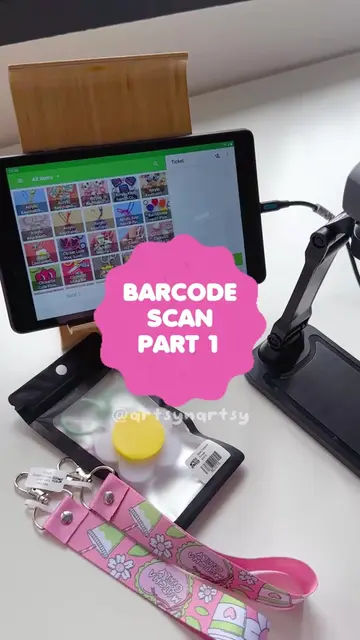
This video demonstrates how to print barcode labels using the Nimbot B1 Pro thermal printer. It shows the process of creating a label with a logo and price, printing it, and then scanning it into a point-of-sale system.
Structure
- 1Introduction and overview of the process
- 2Demonstration of printing a barcode label with the Nimbot B1 Pro
- 3Adding logo and price to the label
- 4Printing the label
- 5Scanning the barcode into a POS system
Original caption
Part 2 Making barcode label using Nimbot B1 Pro😍 #nimbot #labelprinter
More from @artsy.nartsy
More breakout videos from this creator.