Loading video…
Sound

original sound - ezraed1t
ezraed1t · Original audio
0:00–:––
The video effectively demonstrates a visually appealing editing technique (beat sync effect) using a popular and accessible tool (CapCut). The step-by-step tutorial format, combined with clear on-screen text and visual cues, makes it easy for viewers to follow along and replicate the effect, driving engagement and shares.
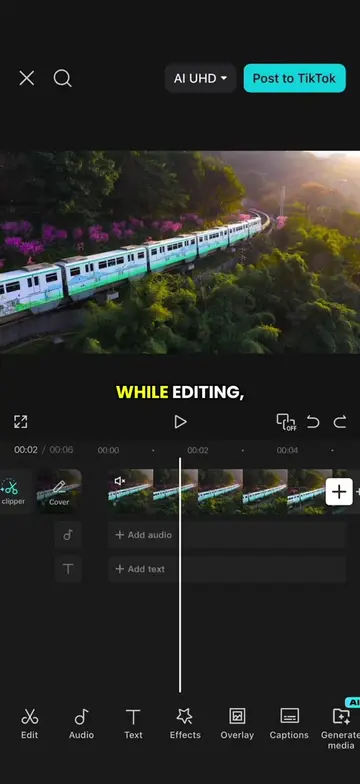
The video demonstrates how to create a camera movement beat sync effect using CapCut. It involves adjusting clip durations, adding animations, syncing music beats, and applying transitions to create a dynamic visual sequence.
Episode 65 | Camera Movement Beat Sync Effect #CapCut #capcutpioneer #tutorial #editingtips #capcuttutorial
WHILE EDITING, I
Shorten clip and add fade out animation
Duplicate clip and create black flash effect
Import music, tap beats, and auto-generate
Import video, trim to beat, add keyframe
Scale and position video clip
Apply zoom out animation and duplicate clips
Swap clips using replays feature
Add pull out transition and apply to all
CapCut: ACTS - video editing software used to create the video. Its interface is operated, and it generates the final video. Removing it would change what happens in the video. AI UHD: APPEARS - A feature or setting within CapCut, likely related to video quality. Removing it would not change what happens in the video.
Promotes 1 product. Create free account to see more.
Outliers and viral hits: their videos on Overshot, all time.
Video editing app for creators making social media videos
Views and creators: posted in the last 30 days (English videos). Videos: all time.