Loading video…
All breakouts
25.1Talking HeadListicle hookConsumer Apps
Hook
Gmail ke ye do new features
@j.skills0
56.8K followers · usually 10.6K views a post
Views
240.0K
Likes
10.1K
Comments
61
Shares
2.1K
Why it worked
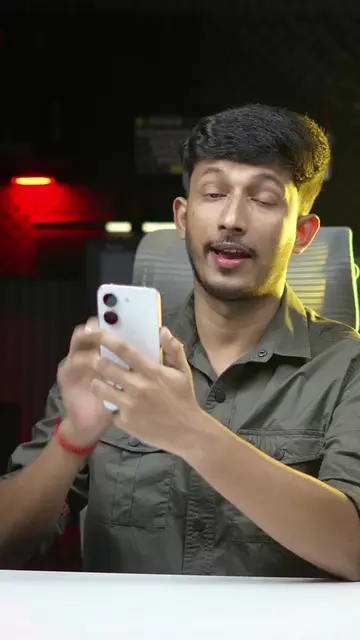
The video highlights practical and potentially surprising features of a widely used application (Gmail), presented in a concise and easy-to-follow tutorial format. The use of Hindi and on-screen text makes it accessible to a large audience.
Summary
The video demonstrates two new features of Gmail. The first feature allows users to change their Gmail account email address by navigating through their profile and personal information settings. The second feature enables users to set up a selfie for sign-in, allowing them to log into their Gmail account using facial recognition.
Structure
- 1Introduction of two new Gmail features
- 2Changing Gmail email address
- 3Setting up selfie for sign-in
- 4
Original caption
Gmail Crazy 2 New Features #reelsfeed #explorepage #Tech #technology #gmail
More from @j.skills0
More breakout videos from this creator.