Loading video…
All breakouts
13.3Talking HeadHow-To hookConsumer Apps
Hook
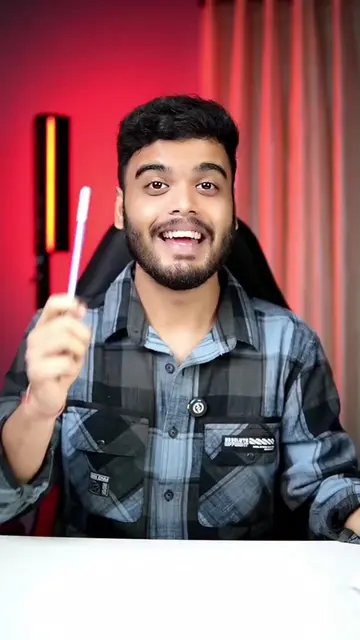
अगर आपके पास भी Oppo Vivo या Realme का फोन है तो आप भी ये कर सकते हो
@j.skills0
56.8K followers · usually 10.6K views a post
Views
127.0K
Likes
4.2K
Comments
50
Shares
454
Why it worked
The video provides a quick and practical tutorial on hidden features that many users of popular phone brands might not be aware of, making it highly shareable and useful.
Summary
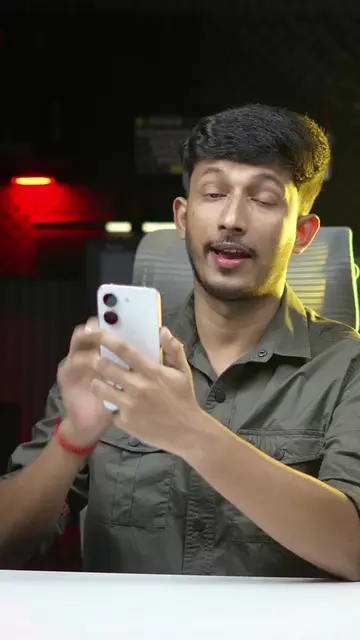
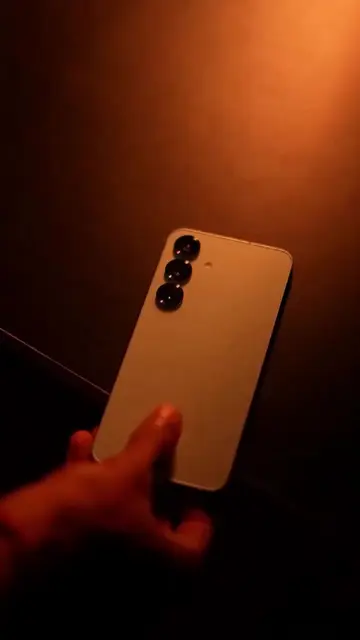
The video demonstrates hidden gesture controls on Oppo, Vivo, and Realme phones. It shows how drawing an 'O' opens the camera, drawing a 'V' toggles the flashlight, and swiping down with two fingers plays music.
Structure
- 1Introduction to gesture controls
- 2Demonstrating 'O' gesture for camera
- 3Demonstrating 'V' gesture for flashlight
- 4Demonstrating two-finger gesture for music
- 5Navigating to settings to enable gestures
- 6Enabling all screen-off gesture options
Product placement
Oppo (phone brand) - appears as a logo, removing it would not change what happens in the video.
Vivo (phone brand) - appears as a logo, removing it would not change what happens in the video.
Realme (phone brand) - appears as a logo, removing it would not change what happens in the video.
On-screen text
Oppo Vivo Realme Hidden Settings
#Tech #realme #oppo #reels #vivo
Original caption
Oppo Vivo Realme Hidden Settings #Tech #realme #oppo #reels #vivo
More from @j.skills0
More breakout videos from this creator.