Loading video…
Sound

original sound - kantbecj
dadaman · Original audio
0:00–:––
Playing this video’s own audio, so you’ll hear the creator over the sound.
- Videos using it
- 2
- Views on those videos
- 63.9K
The video leverages a trending audio and visual effect, making it highly shareable and appealing to users looking to replicate popular TikTok trends.
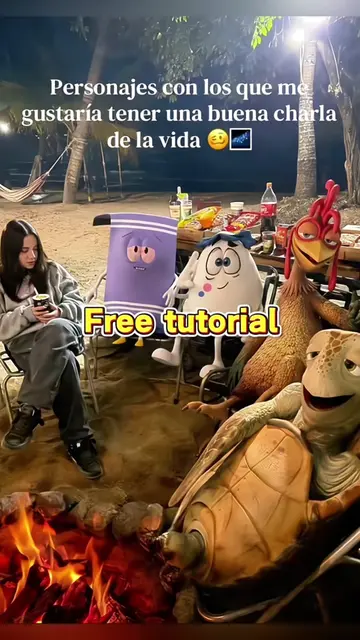
This video demonstrates how to use a CapCut template to create a "talking bodies" remix effect. The creator shows the process of selecting the template and applying it to personal photos.
how to do the talking bodies trend talking bodies remix capcut edit talking bodies remix capcut talking bodies slowed reverb talking bodies remix rap template noodah new song tutorial talking bodies remix apple music talking bodies remix talking bodies slowed remix talking capcut templates talking bodies remix lyrics #talkingbodies #capcut #capcutpioneer
talking bodies remix capcut edit
Showcase of the "talking bodies" effect
Demonstration of using the CapCut template
Selecting photos for the template
Applying the template to create the final video
CapCut ACTS - it is used to edit a video, and the result is shown. Removing it would change what happens in the video.
Use template in CapCut
Playing this video’s own audio, so you’ll hear the creator over the sound.
Promotes 1 product. Create free account to see more.
Outliers and viral hits: their videos on Overshot, all time.
Video editing app for creators making social media videos
Views and creators: posted in the last 30 days (English videos). Videos: all time.