Loading video…
Sound

original sound - ive.official
IVE.official · Original audio
0:00–:––
- Videos using it
- 6
- Creators
- 5
- Views on those videos
- 2.1M
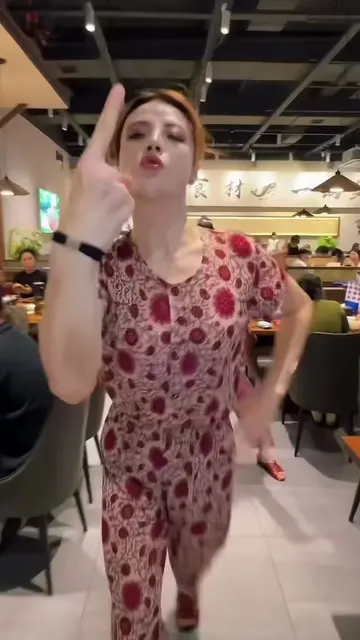
The video provides a clear, step-by-step tutorial for a popular video editing trend, making it easy for users to replicate the effect and increasing its shareability.
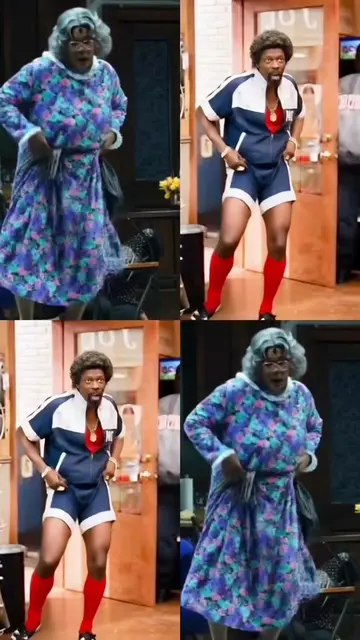
This video demonstrates how to create a 6-grid video effect using the CapCut app. It guides viewers through copying a video link, finding and using a template, and uploading their own photos to achieve the desired effect.
Hướng dẫn hiệu ứng “ 6 Grid Video” 👉 Bạn có thể tạo ảnh chân dung cùng phong cách miễn phí. Mẫu ở góc dưới bên trái đã sẵn sàng. Hãy thử nhé! You can make portraits of the same mogul style for free. The template in the lower cfxdcrleft corner is ready. Try it! #capcutpioneer #capcutnow #capcut #capcutpioneer #capcutnow
I was busy thinking about boys
Introduce the 6-grid video concept
Explain it's easy and free
Instruct to copy video link
Instruct to find and use template
Instruct to upload photos
Instruct to click 'Next' to finish
CapCut: ACTS - it is used to create a video. Removing it would change what happens in the video. TikTok: ACTS - it is the platform where the video is created and shared. Removing it would change what happens in the video.
Copy the link to this video, Then open the template in the bottom left corner. If you can't find it, tap your profile picture. Re-enter this video. After opening the template, click "Use". You can then upload your favorite photo. Finally, click "Next" and you're done!
Video editing app for creators making social media videos
Views and creators: posted in the last 30 days (English videos). Videos: all time.
Promotes 1 product. Create free account to see more.
Outliers and viral hits: their videos on Overshot, all time.