Loading video…
All breakouts
24.4Talking HeadOther hookEducation
Hook
The best
@kdigitalstudioco
5.6K followers · usually 2.2K views a post
Views
50.3K
Likes
3.9K
Comments
17
Shares
157
Promoted product
iPadOS
Why it worked
The video provides practical, actionable advice on using free, readily available tools on a popular device (iPad) for a common pain point (student organization and productivity). The clear, step-by-step demonstration of each app's utility, combined with the creator's engaging presentation, makes it highly relatable and valuable for the target audience.
Summary
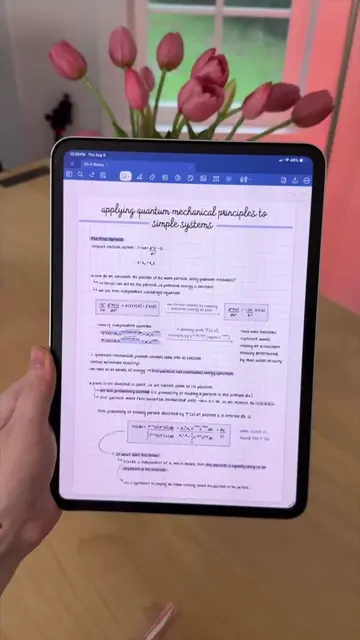
This video showcases free built-in iPad apps that can be used for school. It highlights Freeform for brainstorming, the Calculator's math notes feature, Calendar for organization, Reminders for task management, Files for document organization, and Notes for note-taking and scanning. The creator emphasizes how these tools can help students maximize their study time.
Structure
- 1Introduction to free iPad apps for students
- 2Showcasing Freeform for brainstorming and planning
- 3Demonstrating Calculator with Math Notes feature
- 4Highlighting Calendar for color-coding and organization
- 5Explaining Reminders for task management
- 6Showcasing Files for document organization
Original caption
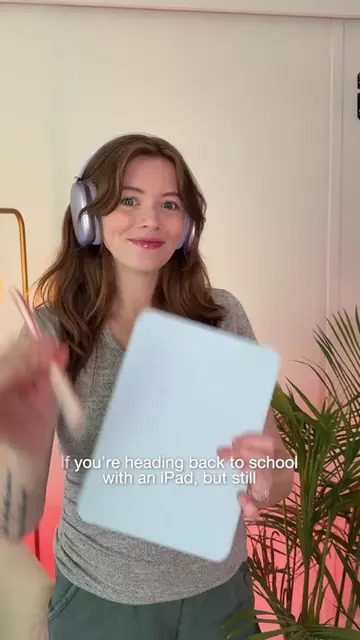
Welcome back to part 2 📲📚🍏✏️ today, let’s chat about FREE apps already on your iPad that you can use for heading back to class/school. In the next episode, I’ll share paid note-taking if Apple Notes doesn’t have everything you need 🫶🏼 Any apps you’re hoping I feature in this series? ⤵️ #backtoschool #ipadforstudent #ipadstudent #ipad #ipadtips
More from @kdigitalstudioco
More breakout videos from this creator.